

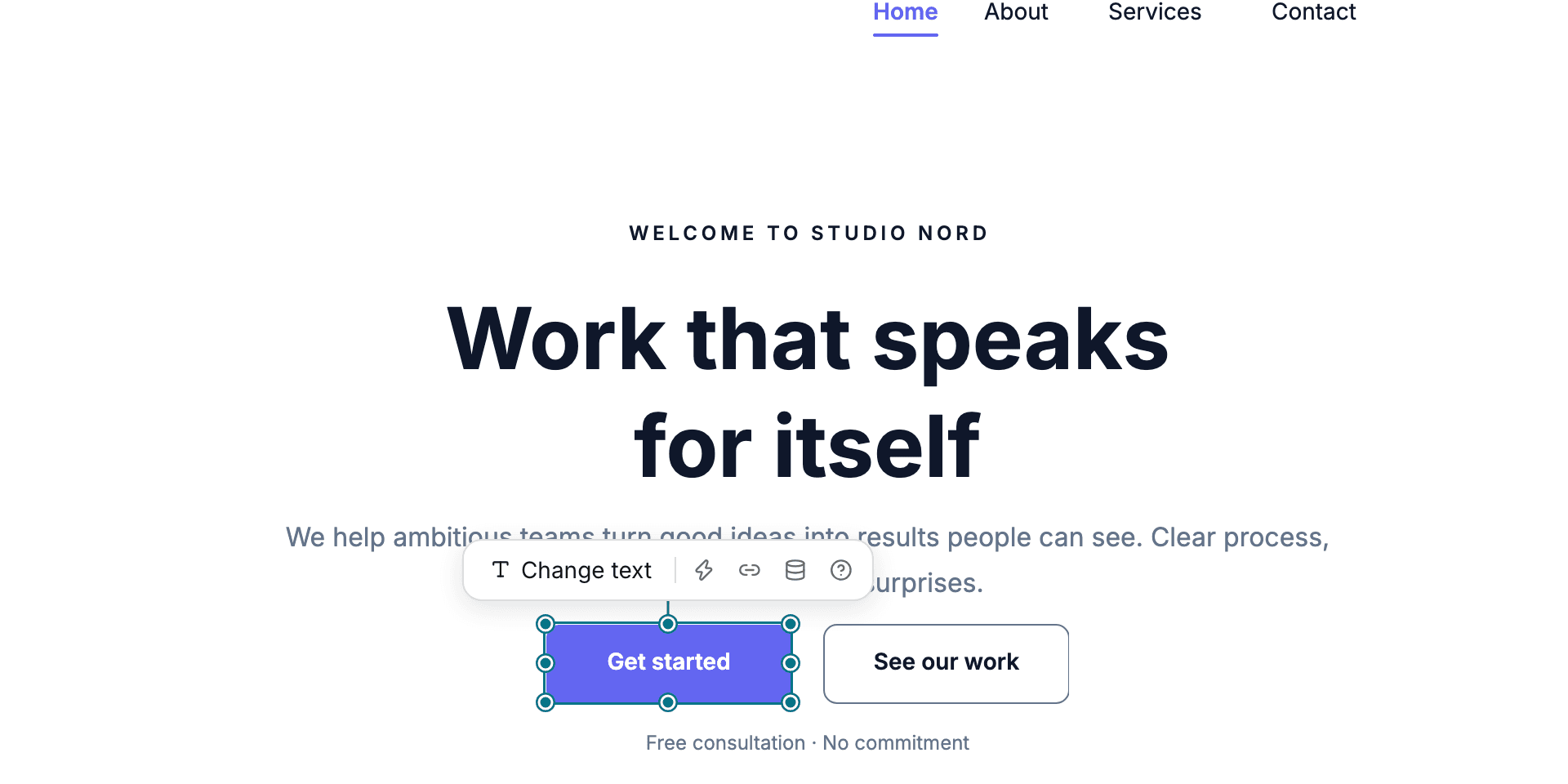
Free placement for every element.
Every element on the page has its own position. Guides align it with nearby elements, sections work as containers you can reorder and reuse, and the phone layout is derived from what you placed.
Freeform website builder
Place text, images, buttons and forms exactly where you want them on a canvas, and the phone layout is derived for you. When the site needs a store, bookings, a menu or a blog, install one of ten business cores into the same editor.
No credit card to start. Publish when you are ready.
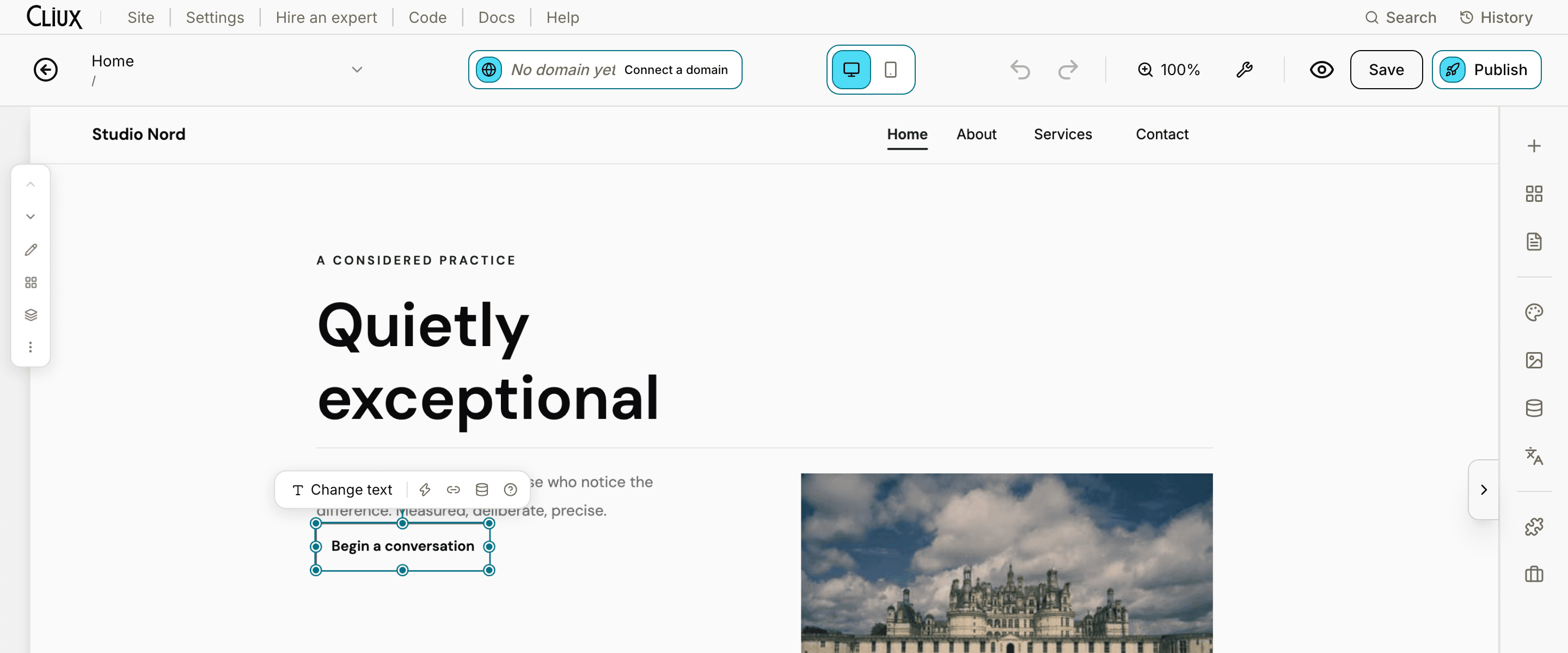
A 24-second film of the Cliux editor, without sound. A button on the page is picked up and dropped somewhere else, with guides showing where it lines up. The page heading is opened where it sits and new words are typed into it. Another theme is chosen in the Theme panel, and the page takes on its colours and fonts. The editor switches to the phone view, where the same page is laid out for a small screen. The site is published from the editor, and its address appears.
Built in
What it does
The three things a business site needs to do, all in one editor. Start by building the site; the selling and growth tools are ready when you need them.
Build
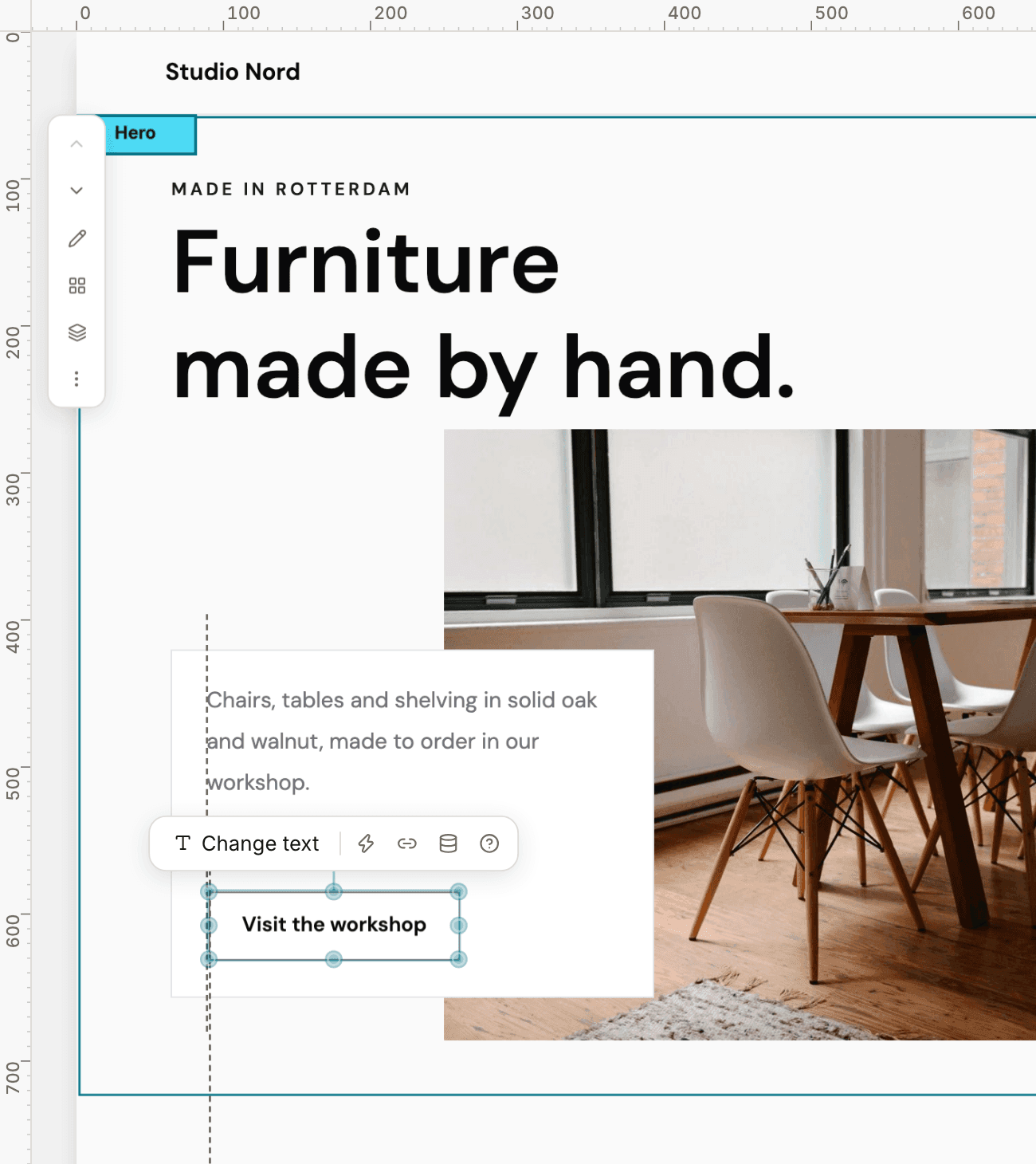
Every element on a Cliux page has its own position. You can move a heading by two pixels, place a card over a photo or put a button anywhere on the page. Sections keep the page organised and can be reused, while the layout remains under your control.
Drag any element anywhere and it stays exactly where you put it.
The mobile view is built from your desktop page as a column, and you can rearrange it on its own.
Page code, events and a console when you need them. Using them is optional.
Sell
Ten business cores install into the same editor and take the same theme: an online store with card checkout, appointments with staff and packages, a restaurant menu with ordering and reservations, events with tickets, donations and subscriptions.
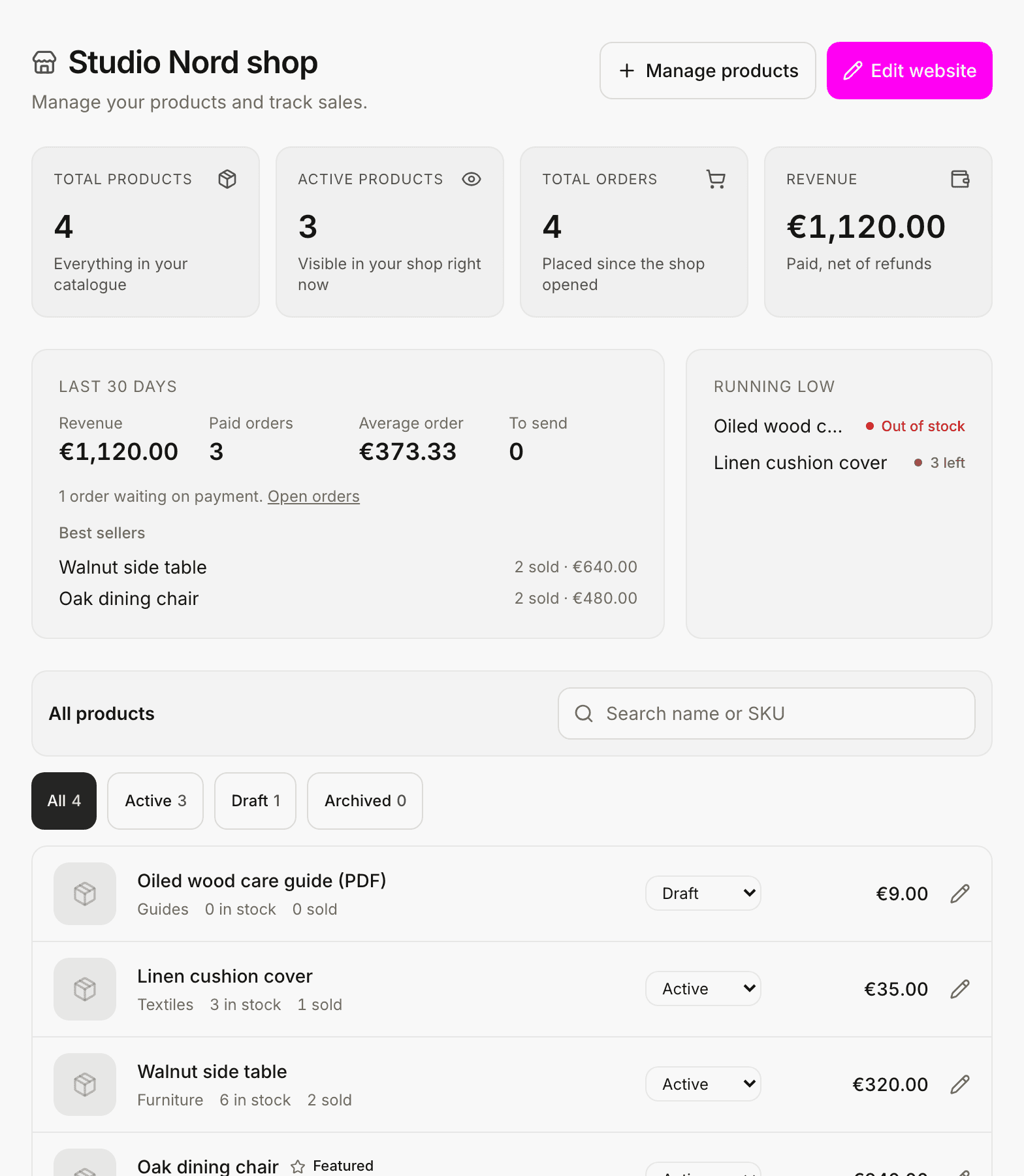
Products, categories, discounts, shipping zones and orders, paid through the payment provider you connect.
Services, staff, schedules, packages and reminders.
A menu, online ordering, delivery zones and reservations.
Grow
A form submission with an email becomes a contact. Pipelines track the deals, the chat inbox holds visitor conversations, the blog and the SEO settings bring visitors, and analytics shows what they did.
Contacts, pipelines with tagged tickets, and a live-chat inbox for visitor conversations.
Lead capture forms and a site chat; a submission with an email is kept as a contact.
Visits, page views, devices and top pages, plus per-page metadata, a sitemap and Article markup on blog posts.
What makes it different
Two things set Cliux apart: every element stays where you place it, and a store is added to the same editor when your site needs one.
Every element on the page has its own position. Guides align it with nearby elements, sections work as containers you can reorder and reuse, and the phone layout is derived from what you placed.
Store, Bookings, Restaurant, Forms, Smart Chat, Donations, Events, Subscriptions, Community and Blog. Install one and its pages appear in the same editor, styled by the same theme.
These figures are taken directly from the product.
Starting points
121 combinations, each a complete multi-page site built by the same system that publishes yours. The three below are the actual pages, shown at a smaller size.
Built for
How it works
The wizard prepares your pages, you place every element on the canvas, and you publish when you are ready.
The wizard asks what the site is for and which theme it should wear, then lays out its first pages in that theme: a home, an about, a contact page and the ones that kind of site needs.
Every element on the canvas moves anywhere and stays where you drop it. The phone layout is derived from the desktop one, and you can edit either on its own.
Building and previewing cost nothing. When the site is ready, pick a plan, connect a domain you own or keep the Cliux subdomain, and it is live.
Get started
Building and previewing are free. Publishing a site, at its Cliux address or on your own domain, is $192 a year on the Website plan, and selling starts on the Business plan.