

Appointments
A booking website builder: services, staff and a calendar, on your own site.
Define a service, set who does it and when, and take the booking on your page: free, paid in full or with a deposit, once or as a series, with intake questions and a confirmation the customer can manage.
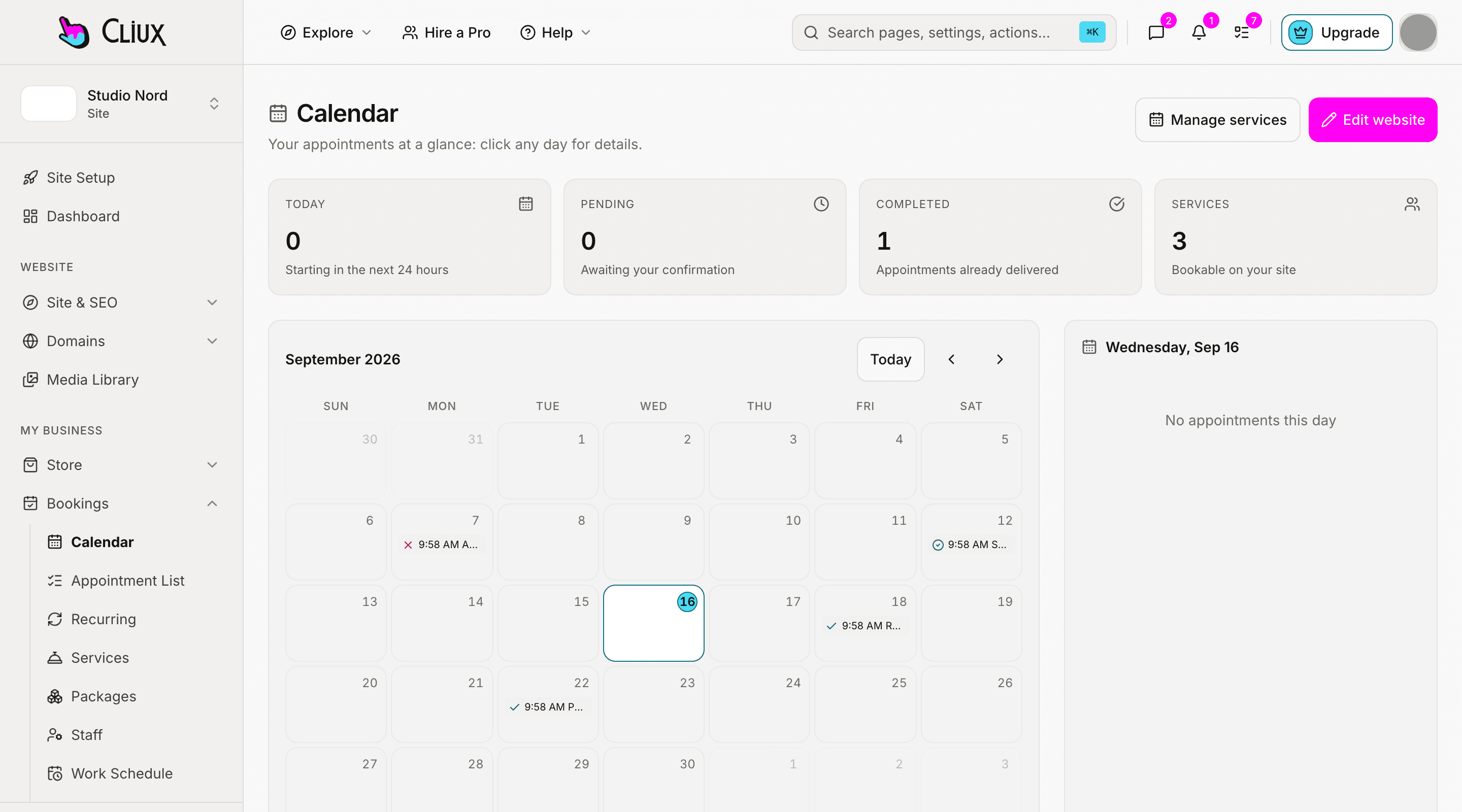
Services and staff
Each service has its own length, price and staff.
Set the duration and buffer times, price, group size, slot interval, minimum notice, how far ahead people can book, and whether a booking is confirmed automatically or waits for your approval. Staff have their own weekly hours, blocked time and colour, and available times are calculated across every timezone involved.
Buffers, notice, booking window
Time before and after, a minimum notice, and a booking window in days.
Staff availability
Weekly hours per person, blocked time, and slots that follow them.
In person or online
A location or a meeting link, set per service.
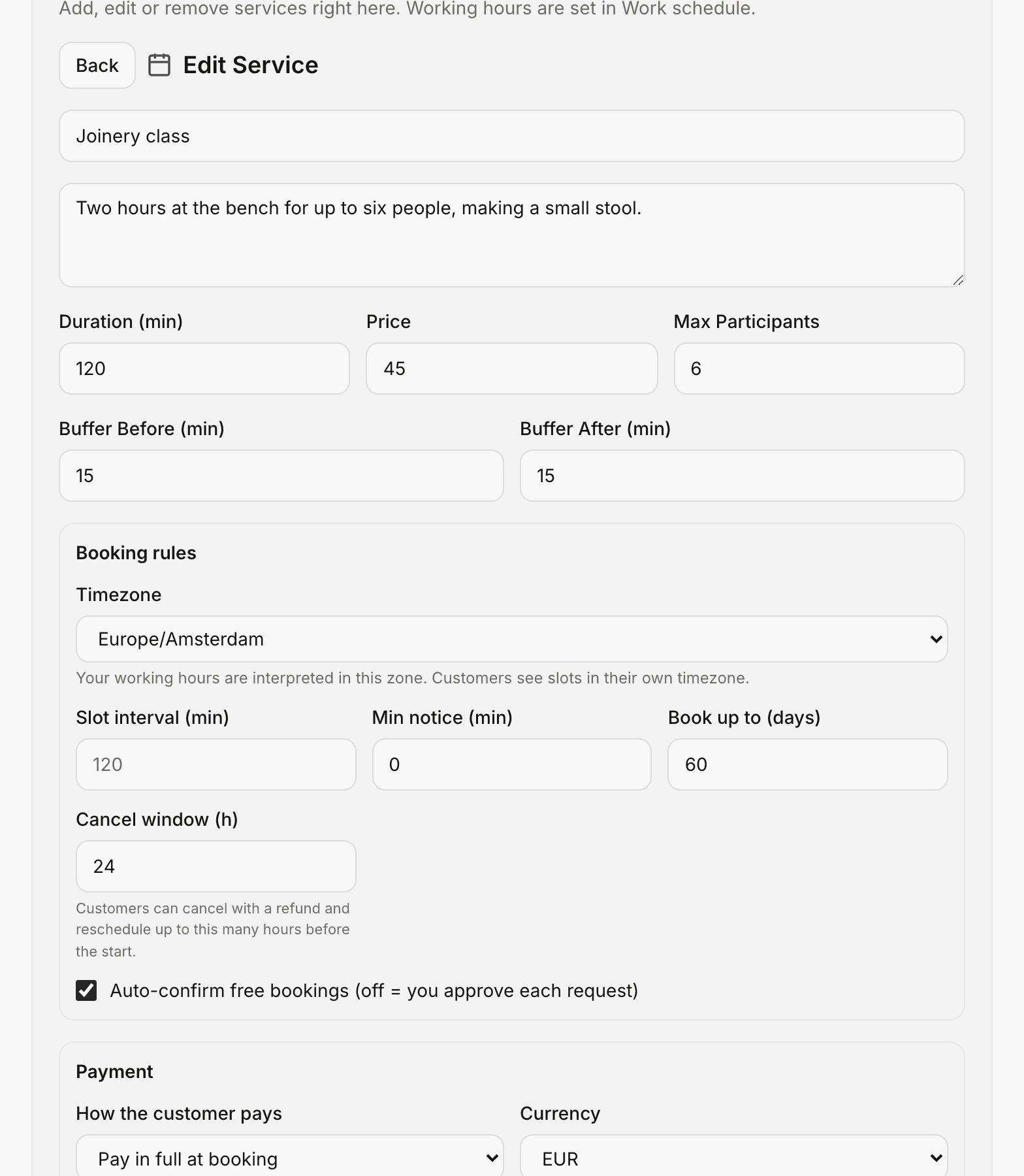
Payments and recurring bookings
Free, paid, or a deposit. Once, weekly, or as a package.
For each service, choose a payment mode: free, the full price, or a deposit taken through your card processor or PayPal. Sell a recurring series billed on a schedule, or a prepaid package of sessions used one credit at a time. Confirmations include a calendar file, a reminder is sent the day before, and the customer can cancel or reschedule from a personal link until the cancel window you set begins.
Series and packages
Weekly, every two weeks or monthly series; packages of credits with an expiry.
Intake questions
A per-service form, built with the same fields as your site forms, kept with the booking.
Confirmation, reminder, self-service
An .ics attachment, a reminder email, and a manage link for the customer.
- Payment modes: free, full, deposit
- 3
- Series rhythms: weekly, biweekly, monthly
- 3
- Appointment states
- 5
- Location types: in person, online
- 2
These figures are counted from the product.
Capabilities
What you get
Building and previewing are free. Publishing takes a site plan; taking payments starts on Business and recurring payments on Business Plus.
Calendar and appointments
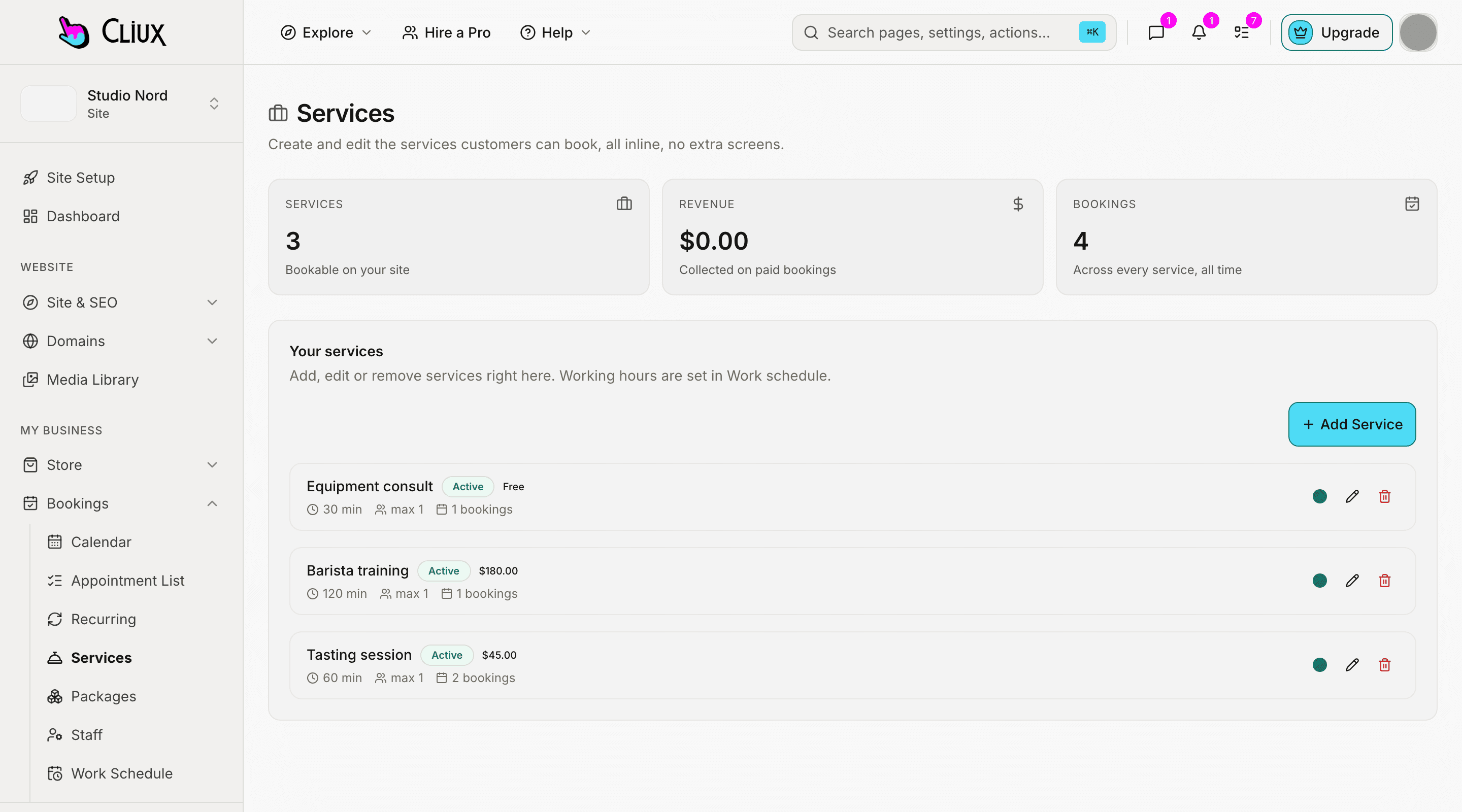
A month calendar of every appointment, an appointment list, and a work-schedule screen.
Paid on your own account
Full price or a deposit through the payment provider you connect, with refunds following the cancel window you set.
Recurring series
A standing appointment billed on its schedule by Stripe, PayPal or Mollie.
Prepaid packages
Sell a bundle of sessions; each booking uses one credit.
Group sessions
A service with more than one seat fills up to its capacity.
Booking analytics
Bookings and revenue against the period before.
Go deeper
More on Bookings
Frequently asked questions
Have other questions?Use the contact form
Yes, with Google Calendar or Apple iCloud Calendar. Connect yours on the Work schedule screen, and invite each person on your staff from the Staff screen to connect theirs. Bookings go into a separate bookings calendar in that account, and customers are not offered the times the person is busy in their own calendar. Outlook is not supported; every confirmation still carries an .ics file for any calendar.
Yes. The confirmation email includes a personal link where they can cancel or reschedule until the cancel window you set for the service begins; after that, they contact you.
Set the service to deposit mode and the amount. The deposit is taken at booking through your card processor or PayPal; the rest is settled with you in person or however you arrange it.
No, by email. A reminder is sent for confirmed appointments the day before. SMS reminders are not currently available.
Yes. Assign staff to a service; each keeps their own weekly hours and blocked time, and the slots offered are the ones where someone assigned is free.
Get started
Try Bookings for free.
Building and previewing are free. Publishing a site, at its Cliux address or on your own domain, is $192 a year on the Website plan, and selling starts on the Business plan.