

Integrations
What Cliux connects to.
Payments run through your own account at the payment provider you connect. Google Analytics and the Meta Pixel load on your published site behind a consent banner. The editor includes embeds and your own page code, each form can send its submissions to a signed webhook, a Slack channel or a Google spreadsheet, and Bookings can sync with a Google or Apple iCloud calendar. The embed elements need no API key.
Payment providers





Tracking
Connected accounts
Payments run through your own account.
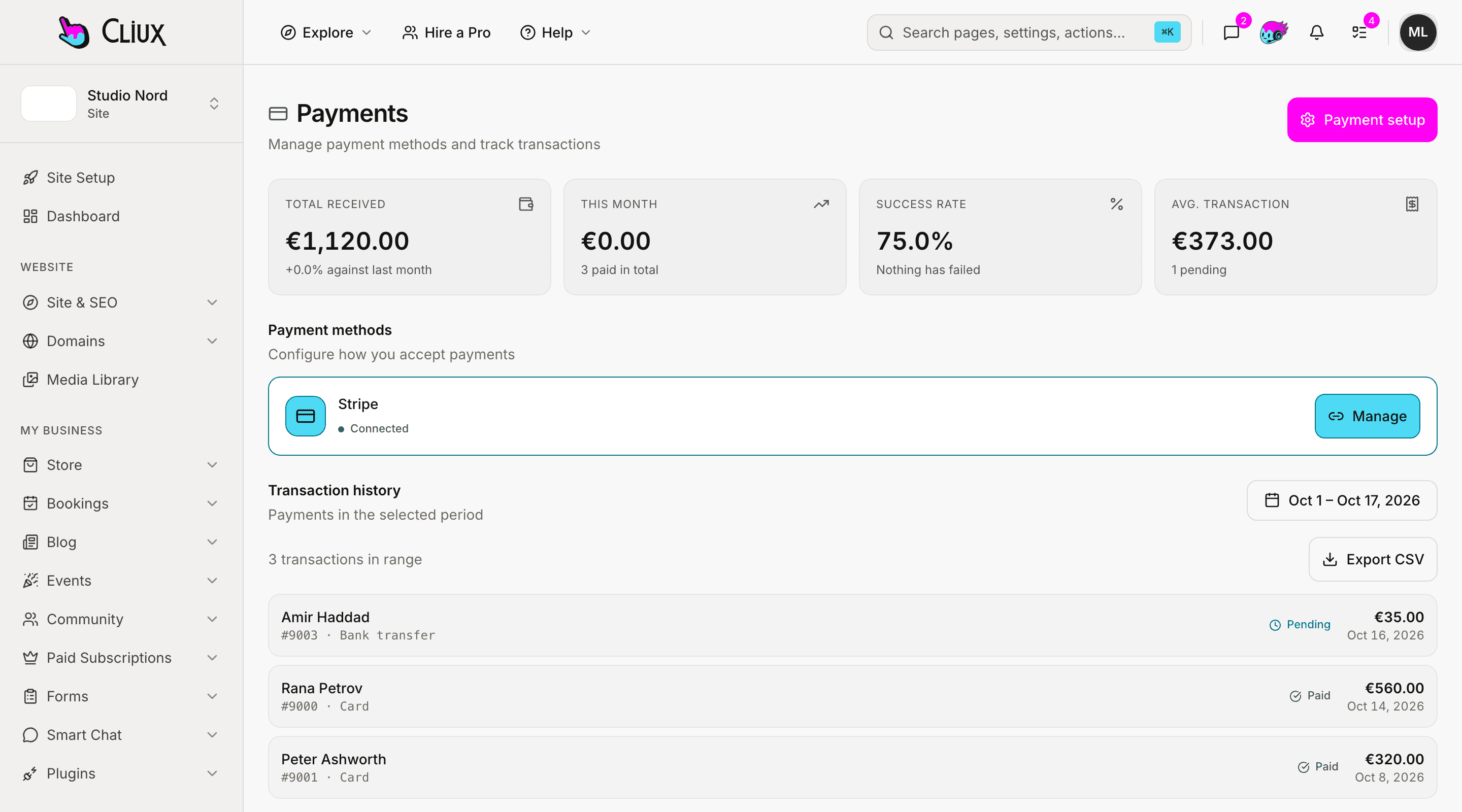
Every payment goes to your own account at the payment provider you connect, and Cliux adds no fee of its own. The Payment setup screen offers the providers available in your site's region.
Stripe
Take card payments through your own Stripe account.
Connect a Stripe account once from the console. Every card checkout on the site is paid directly into that account, Cliux adds no fee of its own, and refunds are issued from the same console.
Connect from the console
One authorisation on the Payment setup screen (Payments & Sales → Setup & Connect); agencies connect theirs from the Launchpad.
Direct charges
Each checkout is created on your connected account, and Cliux takes no application fee.
Card payments at checkout
Checkouts accept cards. Payment methods that complete days later are not offered, so an order is never completed against stock the site has already released.
Tracking, with consent
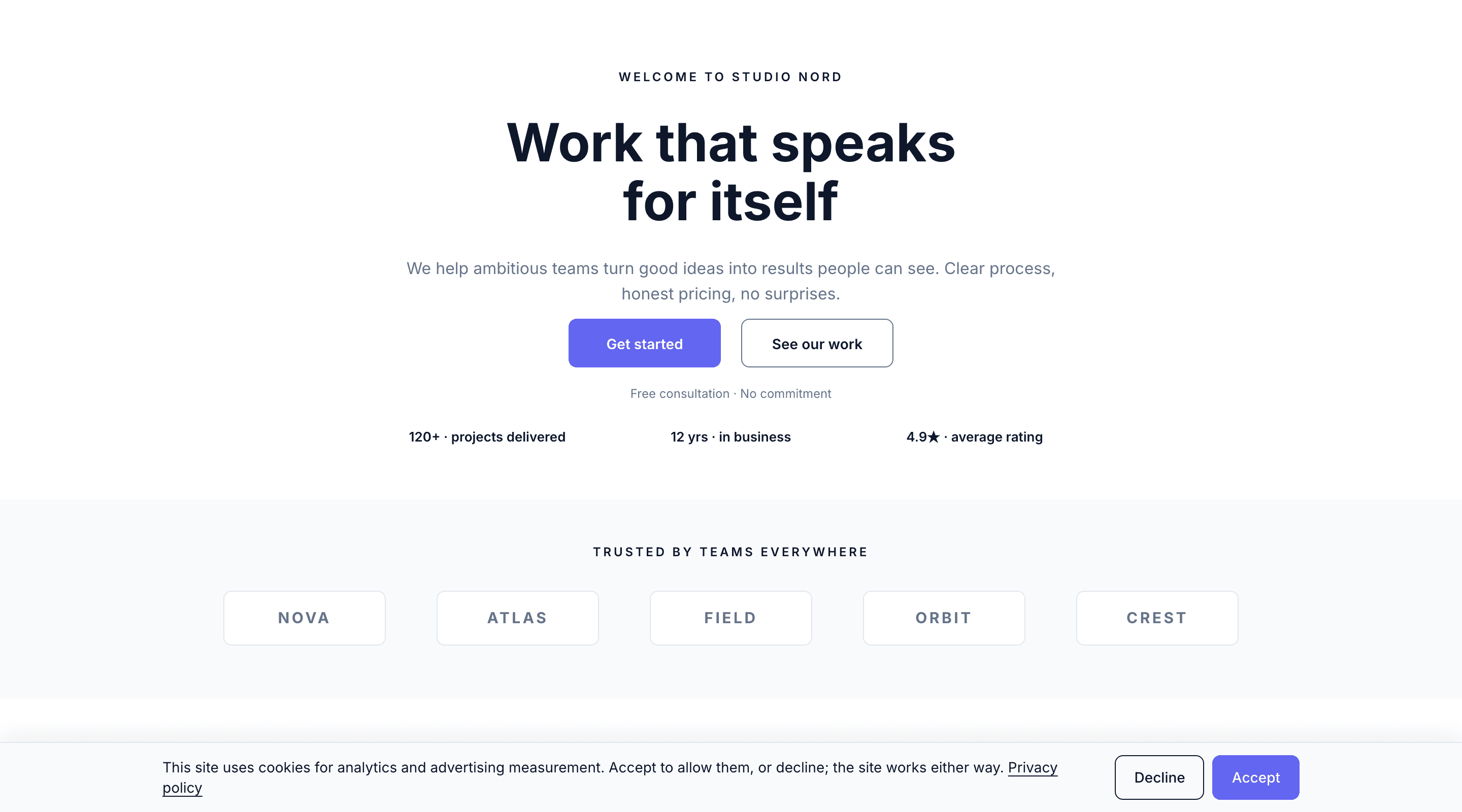
Google Analytics and the Meta Pixel, behind a banner that asks first.
Both vendors set cookies in the visitor's browser, so while an id is set, the published site shows a consent banner and loads each script only after the visitor accepts. The banner is on by default; if you switch it off, the scripts load when the page opens and obtaining consent is your responsibility.
Two fields under SEO & GEO
Paste an id, and the script loads once the visitor accepts.
A GA4 measurement id and a Meta Pixel id sit side by side in the Tracking card. While either is set, your published pages show a consent banner at the foot of the page, unless you switch the banner off. Accept loads the vendor's script on that page; Decline is remembered. Cliux's own analytics sets no cookie and keeps counting either way.
One id each
A measurement id that starts with G-, and a Pixel id of digits only; an id in any other format is refused before it is saved.
Loaded after consent
While the banner is on, no vendor script loads until the visitor accepts.
Removed by clearing the field
Remove an id and save: from the next visit its script no longer loads.
Built into the editor
Video, audio, maps and any embed code, as elements on the canvas.
Each is dragged onto the page and sized like any other element, and none of them requires an API key.
YouTube and Vimeo
A video element takes the link and plays it in place.
Spotify, SoundCloud, Apple Music
Embed elements for a track, an album or a playlist.
Google Maps
A map element shows the address you enter, with nothing to set up at Google and no key to paste.
HTML embed
Paste a provider's embed code and it renders on the page.
Website embed
Another site in a frame, sized on the canvas like any other element.
Page code
Your own JavaScript on a page, addressing elements by name, in the code editor.
Out of your site
What leaves the site, and where it goes.
A submission can be sent to a webhook, a Slack channel or a Google spreadsheet and mailed to an address; a booking can be written into the Google or Apple iCloud calendar of the person who delivers it, and comes with a calendar file.
Forms
Every form has an inbox, and can send each submission to the connections you add.
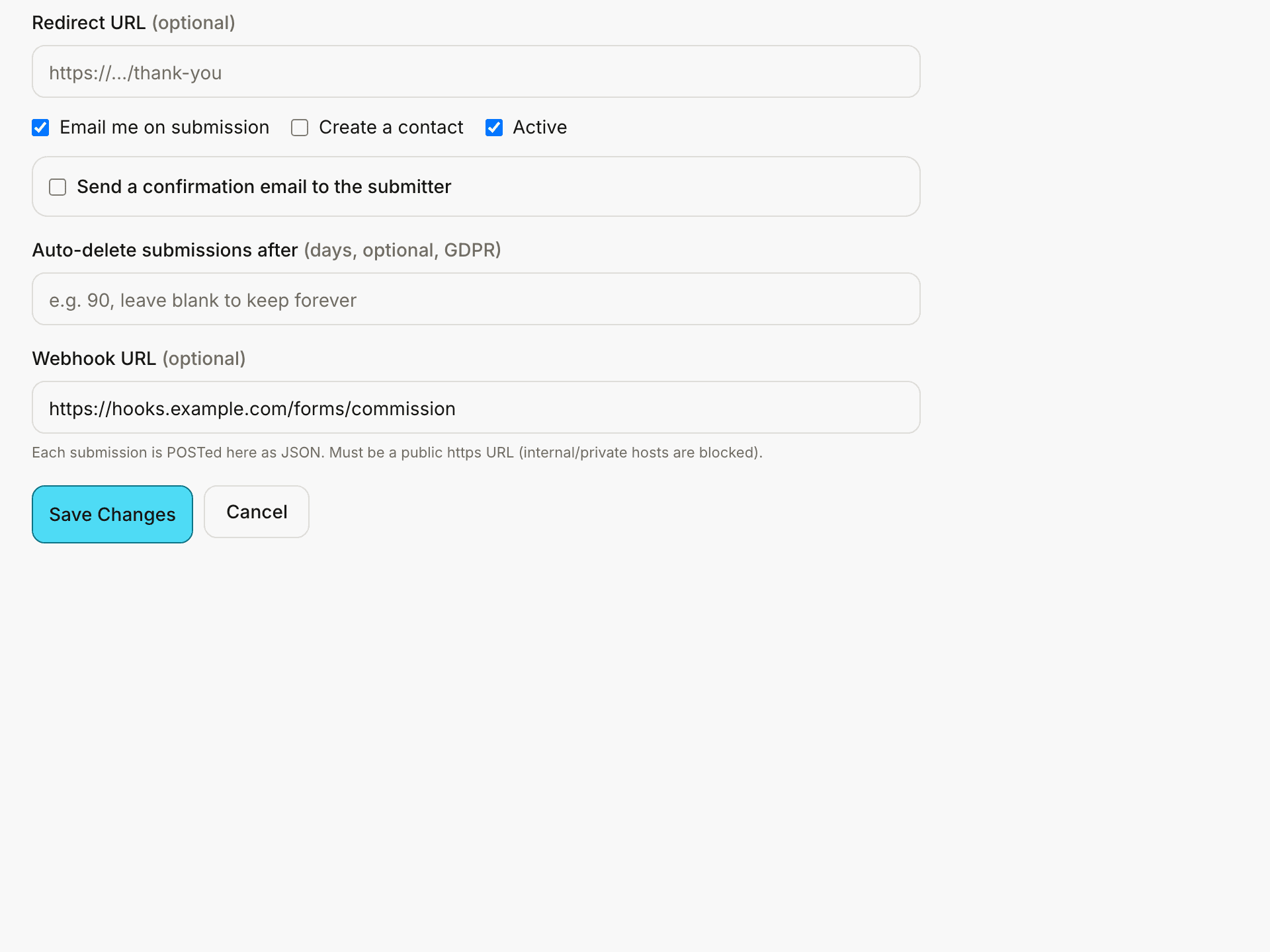
A form can connect to a signed webhook, a Slack channel or a Google spreadsheet. The webhook is a JSON POST to an https address of yours with the same fields the inbox shows, signed with a key shown once when you add it. Deliveries are queued once a submission is accepted, so the visitor never waits; a failed one is tried again, and each connection lists its latest deliveries. Built-in connectors to other tools are not currently available.
Connections per form
Each form can send its submissions to a signed webhook at an https address you provide, to a Slack channel, or as rows to a Google spreadsheet made for that form.
An email per submission
Each form can email an address you choose the moment a visitor submits it.
Calendar sync for bookings
Each person who delivers your services can connect their own Google Calendar or Apple iCloud Calendar: bookings are added to it, and customers are not offered the times that person is busy there. A confirmed booking also comes with an .ics file and add-to-calendar links.
Limitations
What is not currently available, and the alternatives.
Where a connection is not built in, a site can use the form webhook, page code or the tracking fields instead.
- Native connectors to marketing tools
- Built-in connectors to mailing list and CRM services outside Cliux are not currently available. The form's signed webhook posts JSON to an https address, which a service that accepts webhooks can receive.
- A public API
- A public API and API keys are not currently available. The developer hub describes what can be built with page code.
- Tag managers and server-side tracking
- The two tracking fields load each vendor's own script in the visitor's browser after consent. There is no container field and nothing relayed through Cliux.
Frequently asked questions
Need a connection that is not here? Write to [email protected], orUse the contact form
The store, bookings, memberships, forms, the blog and the other features are in every site's console (taking payments with them starts on the Business plan), and the editor's embed elements cover video, audio, maps and any provider's embed code.
Through the form's signed webhook: each form can post its submissions as JSON to an https address, and any of these services that accept webhooks can receive them. Built-in connectors to them are not currently available; besides the webhook, a form connects only to Slack and Google Sheets.
Yes. Both have a field in the Tracking card under SEO & GEO. While the consent banner is on, which is the default, your published site loads each script only after the visitor accepts. Cliux's first-party analytics does not need the banner.
No. The map element embeds Google Maps from an address without a key, and the video element takes a YouTube or Vimeo link.
Yes. Send your request through the contact form; requests are taken into account when new integrations are planned.
Get started
Connect your accounts and build the rest in the editor.
Building and previewing are free. Publishing a site, at its Cliux address or on your own domain, is $192 a year on the Website plan, and selling starts on the Business plan.