
Payments
Offer PayPal beside your card checkout.
Connect your own PayPal business app with its client ID and secret. Buyers choose PayPal at checkout, approve the payment on PayPal, and the money lands in your account with no fee added by Cliux.
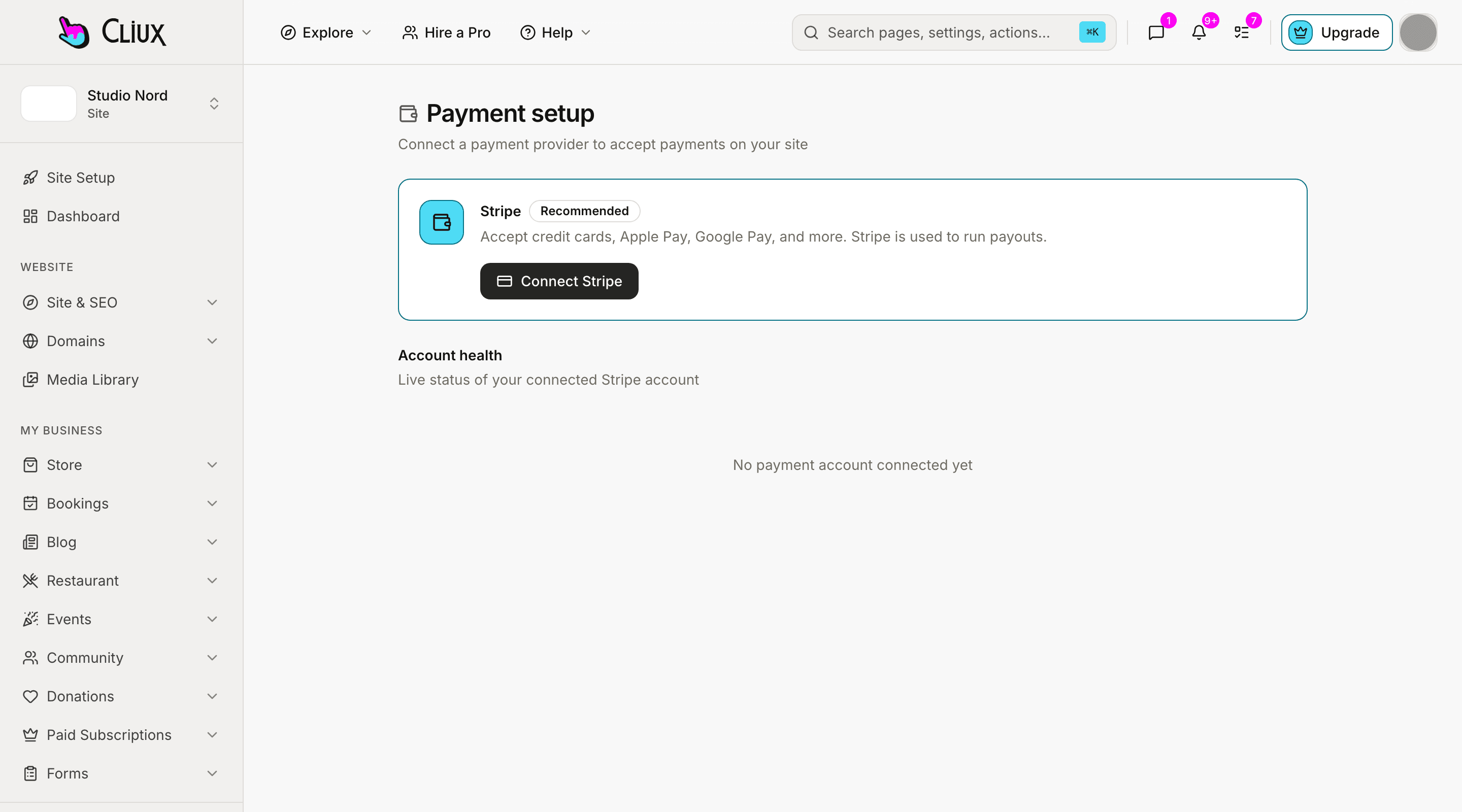
How you connect
Where PayPal is switched on
The screen, the path to it in the sidebar, and what happens when you press the button. Nothing else to install.
Site console
- Payments & Sales
- Setup & Connect
Press Connect. Paste the client ID and the secret of your PayPal app, sandbox or live. Cliux checks them with PayPal before anything is saved, stores them encrypted, and registers the site's notifications with PayPal for you.
Agency console
- Launchpad
- Connect payments
Press Connect. The agency's own account, for the invoices it sends to clients, from the same panel on the Launchpad.
Beside your cards
A PayPal button next to the card button, on every checkout.
Your card processor keeps taking cards; PayPal is offered beside it wherever a visitor pays: the store, the restaurant, event tickets, bookings, packages, donations and the invoices an agency sends. The buyer picks, approves on PayPal and comes back to the site.
Every checkout
Orders, tickets, bookings, packages, gifts and invoices all offer it once PayPal is switched on.
Captured while it is held
The order is captured by the site after approval, only while its stock, seat or slot is still held for the buyer.
Subscriptions too
Membership plans, recurring bookings and monthly gifts can run on PayPal, trials included.
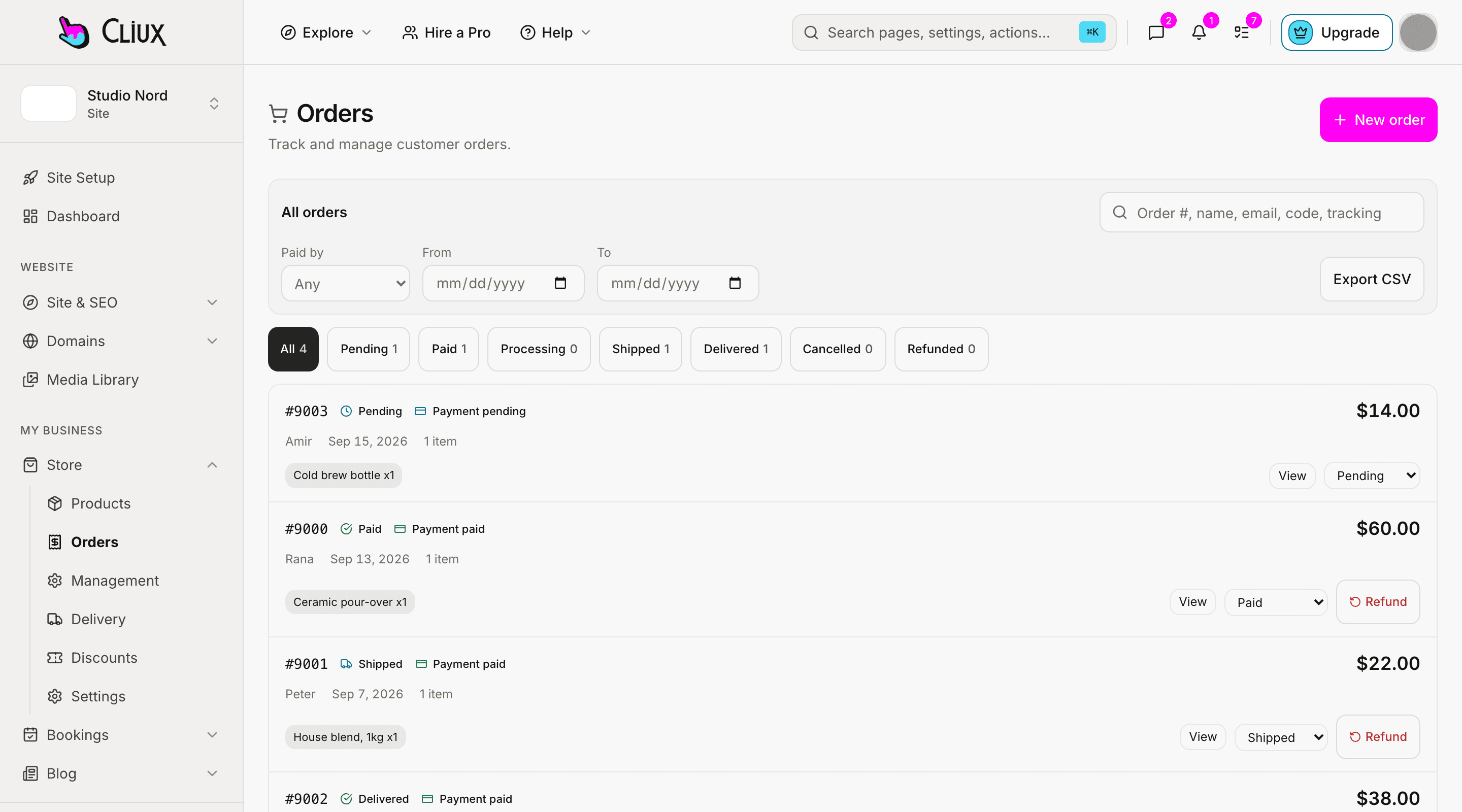
- Platform commission on a sale
- 0%
Counted in the product, not estimated.
What you get
PayPal with Cliux
Your own PayPal app
A client ID and a secret from the PayPal Developer Dashboard, checked with PayPal before they are stored, and stored encrypted.
Beside your card processor
PayPal is a second button, never the only way to pay by card. You switch it on and off on the payment setup.
Nothing taken for a lapsed hold
An order approved after its hold ran out is simply never captured, so no money moves and nothing needs refunding.
Plans with a trial
A membership plan becomes a PayPal billing plan, with its free trial days as a first cycle.
Refunds from the console
A refund on an order, a booking or a membership goes back through PayPal on your account.
Notifications registered for you
Cliux registers the site's webhook with PayPal and verifies every notification with PayPal before it reads the payment.
Not included
Said plainly, so you can decide
What this connection does not do today. If one of these is the thing you need, tell us through the contact form; the list is prioritised from those requests.
- PayPal as the card form
- PayPal is not used as the card processor here. Card payments go through Stripe, Square, Mollie or Adyen.
- Pay Later and Venmo buttons
- Only the PayPal checkout itself is offered; no separate pay-later or Venmo button is added.
- Every currency
- PayPal does not take every currency a store can be set to, and a checkout in one it does not take is refused with a plain sentence.
- Changing a plan mid-period
- A price change on a PayPal subscription applies from the next billing period; there is no proration.
Frequently asked questions
Have other questions?Use the contact form
On the Payment setup screen (Payments & Sales, Setup & Connect): choose Connect on PayPal and paste your app's client ID and secret. An agency does the same from the Launchpad.
No. The payment is made to your PayPal account and Cliux adds no fee. PayPal's own fees apply as they would anywhere.
No. PayPal is offered beside a card processor. If PayPal is all a site has, buyers pay with PayPal only.
Yes. Membership plans, recurring bookings and monthly donations run as PayPal subscriptions, and a member can cancel from their profile.
Yes, on the order, booking or membership. The refund is issued on your PayPal account.
Get started
Try PayPal on a Cliux site.
Building and previewing costs nothing. Publishing on your own domain is $192 a year on the Website plan, and selling starts on Business.