

Members and discussion
Run your community on your own domain.
A feed, a forum, groups and direct messages, with member roles, moderation, badges and optional paid access, all on your own site.
The modules
Feed, forum, groups, messages. Turn on what you need.
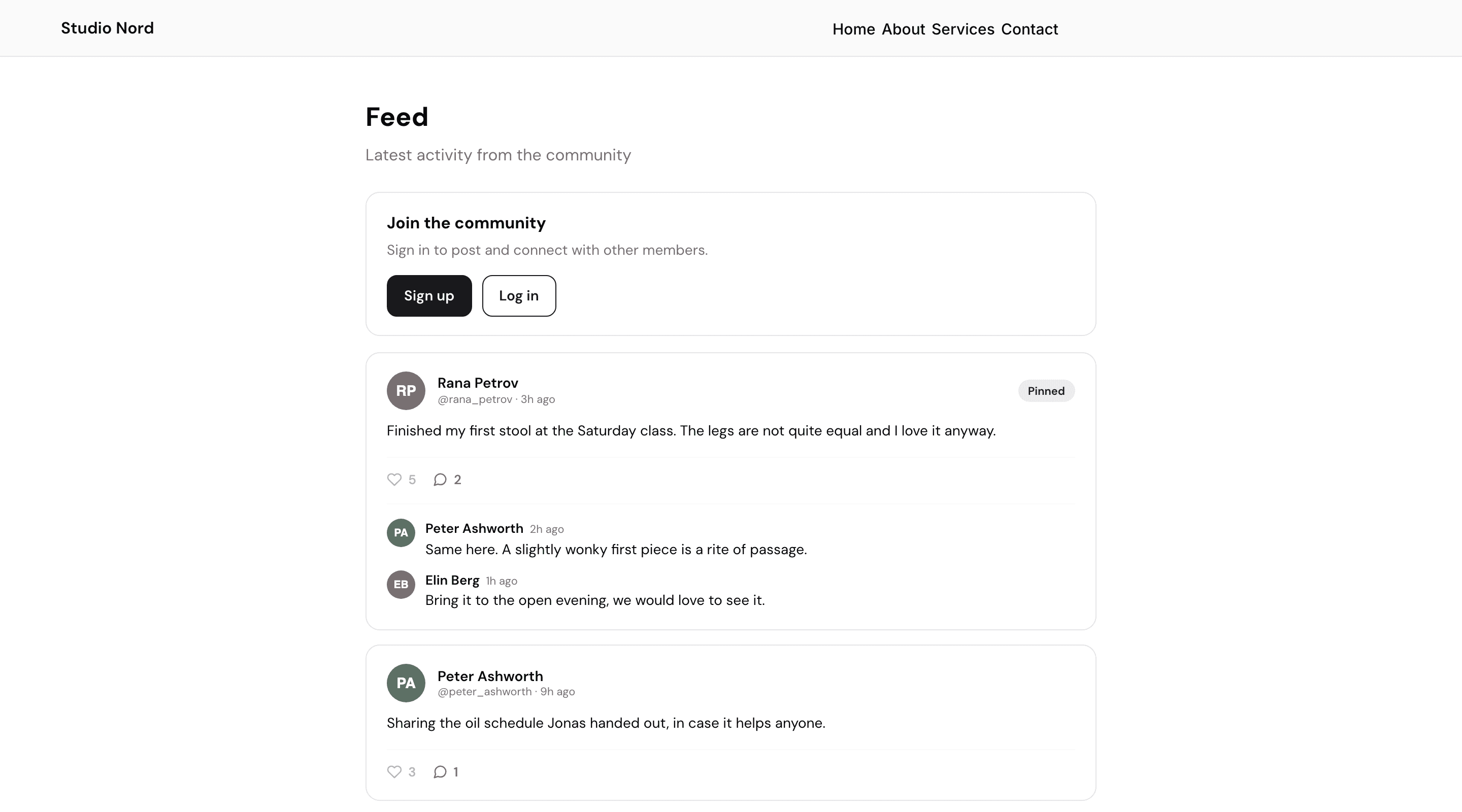
Turn each module on or off separately: a feed for posts and reactions, a forum with categories you can lock, groups with their own members, and one-to-one direct messages. Members get in-app notifications for mentions, replies, reactions, follows and more.
Forum categories
Categories, threads and replies; lock a category when its discussion is closed.
Groups
Smaller communities inside yours, each with its own members; a group can be public or private.
Ten notification types
Mentions, replies, reactions, follows, group invites and requests, messages, badges, profile posts and system notices.
Rules and roles
Decide who joins, who moderates and what is paid.
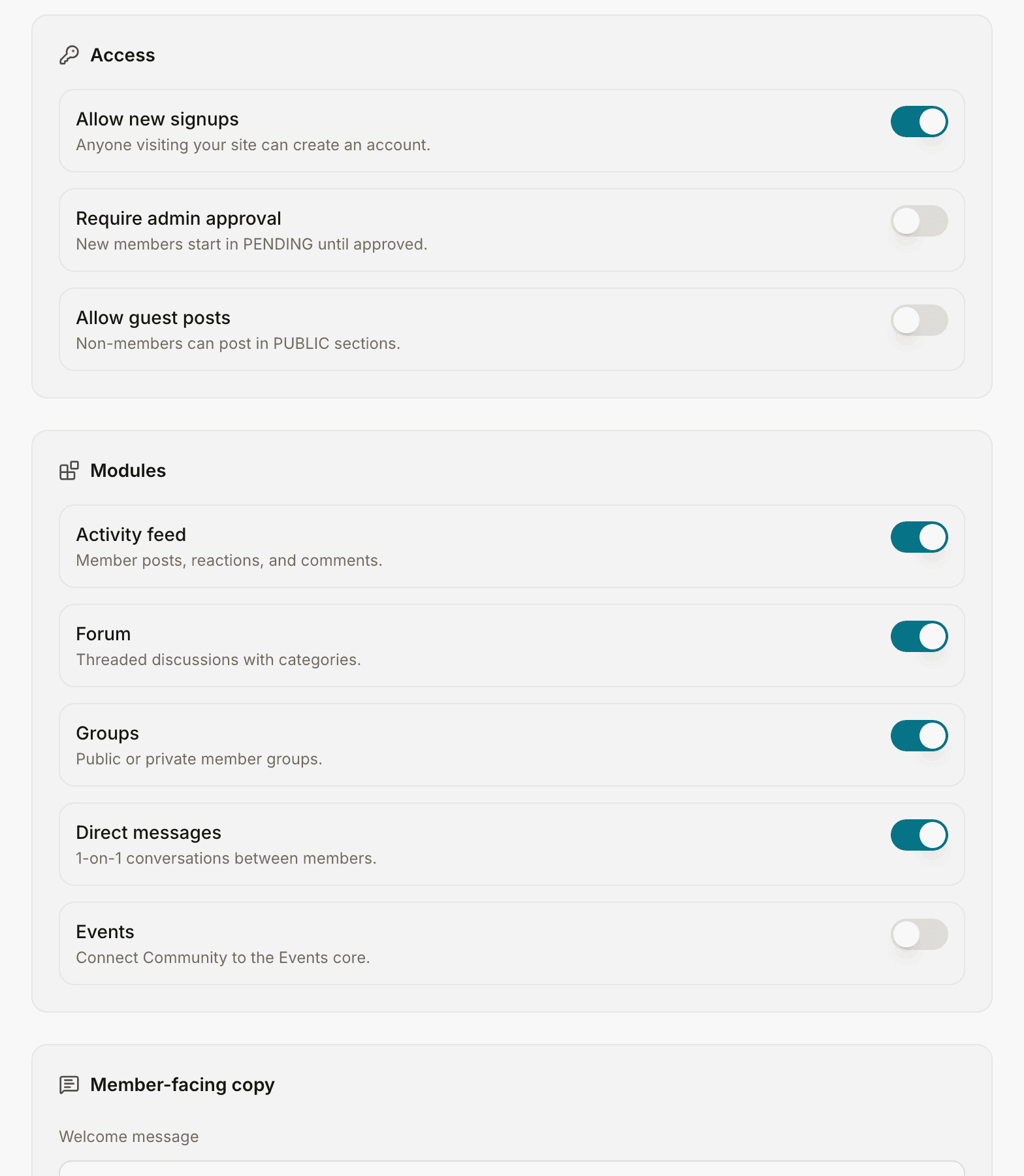
Make the community public, members-only or private, and approve new members by hand or let them join directly. From your console you review reports, suspend a member for a set period or ban them permanently, and give badges by hand or automatically on activity; members you make moderators pin and lock forum threads and accept answers. Put pages and posts behind a paid membership plan, and keep the community itself for members.
Five roles
Owner, admin, moderator, member and banned, with the actions each may take.
Badges
Given by hand, or awarded when a member passes a count you set.
Paid access
Gate pages and blog posts with a membership plan, paid once through any payment provider you connect, or monthly and yearly through one that runs subscriptions; the community itself can be members-only.
- Modules: feed, forum, groups, messages
- 4
- Notification types
- 10
- Member roles
- 5
- Visibility levels
- 3
These figures are counted from the product.
Capabilities
What you get
Building and previewing are free. Publishing takes a site plan; taking payments starts on Business and recurring payments on Business Plus.
Feed and reactions
Posts, comments and reactions in a feed your members scroll.
Forum
Categories, threads, replies, votes and locking.
Groups and profiles
Groups members can join; member profiles, follows and a member directory.
Direct messages
One-to-one conversations with unread counts, updated live.
Moderation
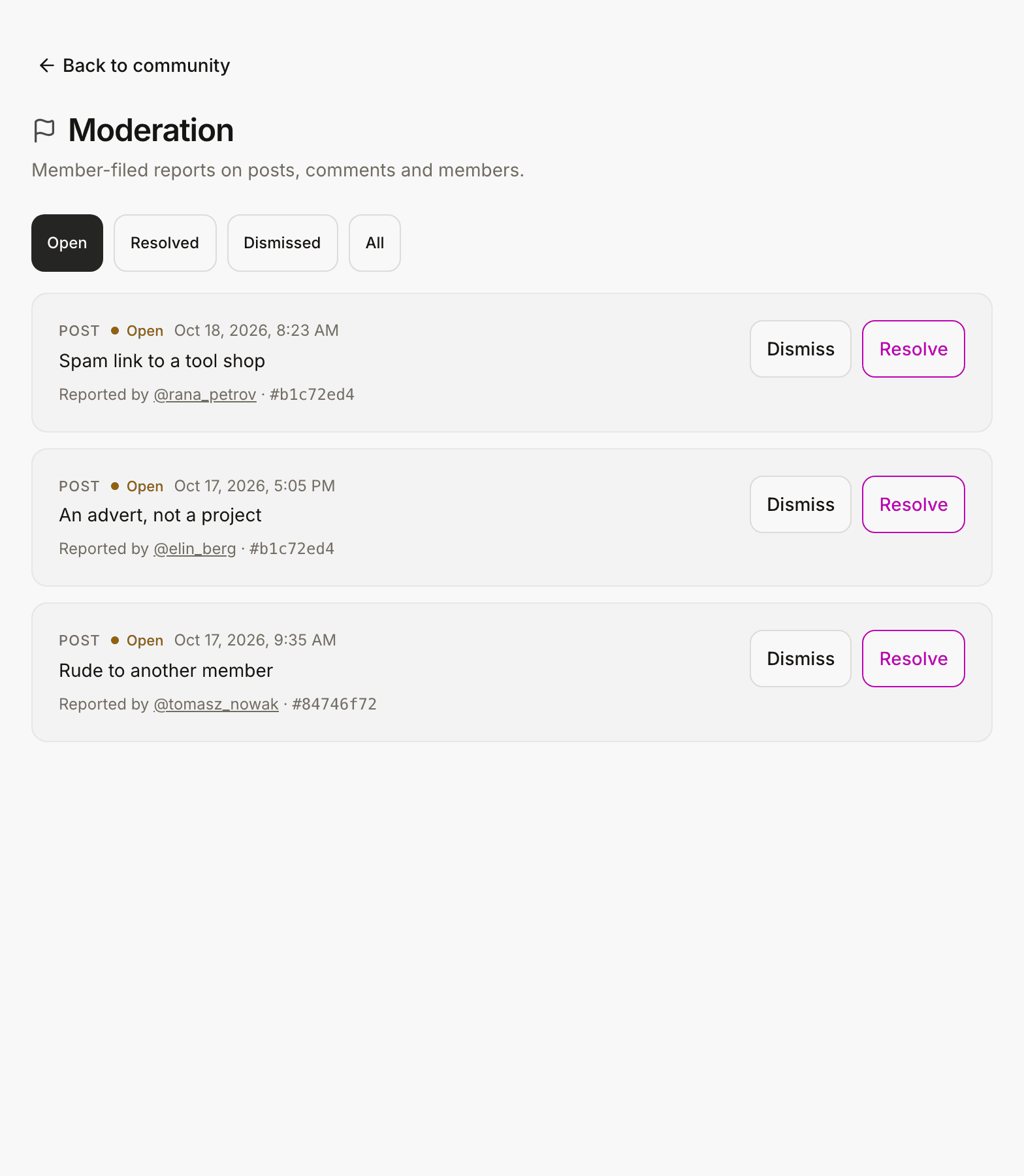
Member reports tracked by status, suspensions for a set period, bans, and optional approval of new members.
Community analytics
Members, posts and activity over time, in the dashboard.
Go deeper
More on Community
Frequently asked questions
Have other questions?Use the contact form
Yes. The community is part of your site and lives under your domain, with your theme. Members sign up on your site, not on a third-party network.
You can make the community members-only or private, and put pages and blog posts behind a paid membership plan: paid once through any payment provider you connect, or monthly and yearly through one that runs subscriptions. Placing the whole community behind a plan is not currently available.
Inside the community: a bell shows all ten notification types. Email and push notifications for community activity are not currently available.
Not currently. Direct messages are between two people; for conversations among many members, each group has its own posts.
Importing members from a file is not currently available. Members join through your site, and you can require approval so you decide who gets in.
Get started
Try Community for free.
Building and previewing are free. Publishing a site, at its Cliux address or on your own domain, is $192 a year on the Website plan, and selling starts on the Business plan.