

Tickets, RSVPs, check-in
An event page on your own site: tickets or free RSVPs, and check-in at the door.
Publish an event in person or online, sell ticket types with their own price and number of seats, or take free RSVPs confirmed by an emailed code. Guests get a ticket with a QR code, and you check them in by scanning it or typing its code.
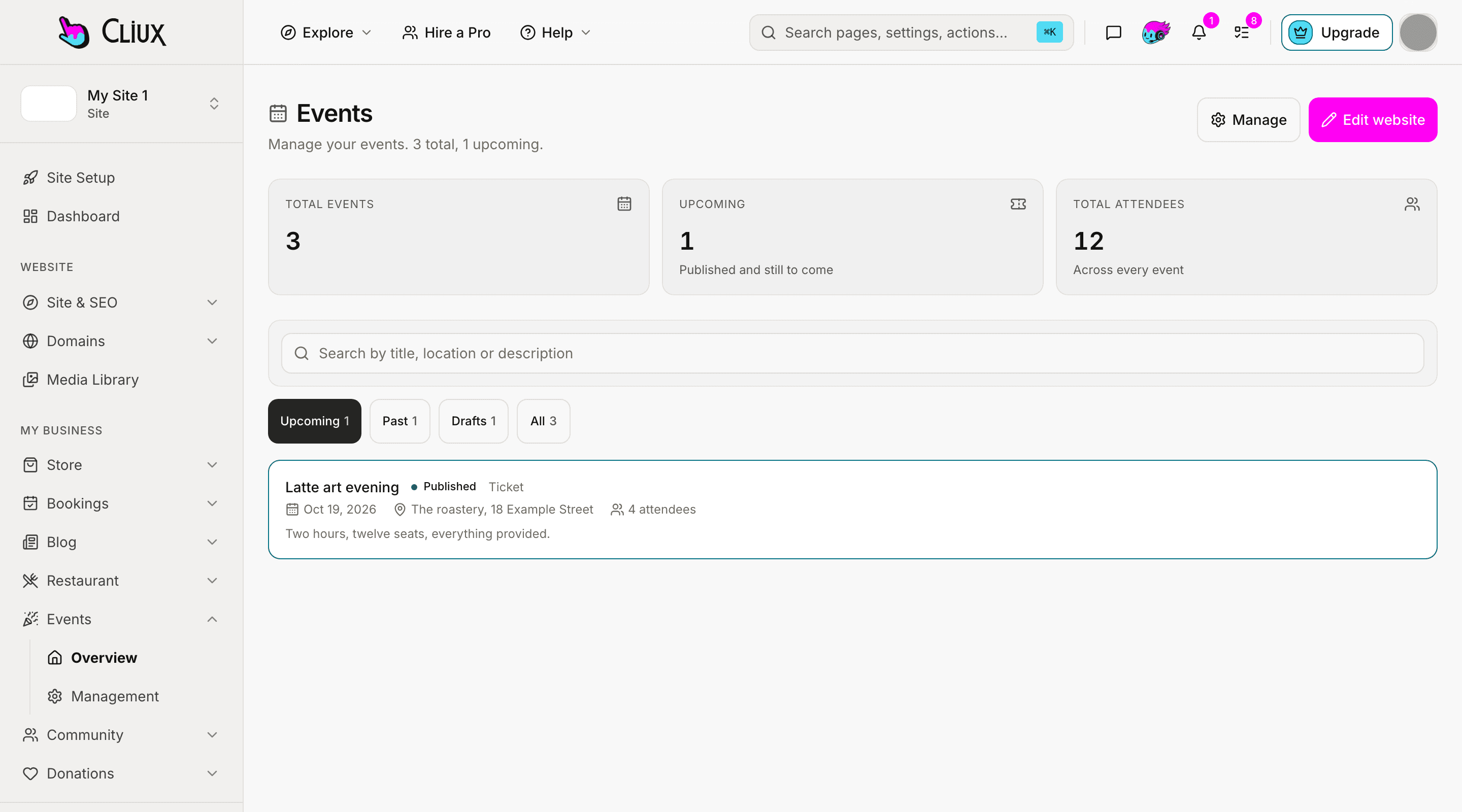
Tickets and RSVPs
Ticket types with their own price and seats, or a free RSVP.
A ticketed event has as many ticket types as you need, each with a price and a number of seats, under a cap for the whole event. Paid tickets go through the payment account the site connects. A free RSVP holds a seat only once the guest types the code sent to their email, so a typo or a stranger holds nothing.
Ticket types
A name, a price and the seats each one has.
Code-confirmed RSVPs
A free registration holds a seat once the emailed code is typed.
In person or online
An address, or an online link for the people registered.
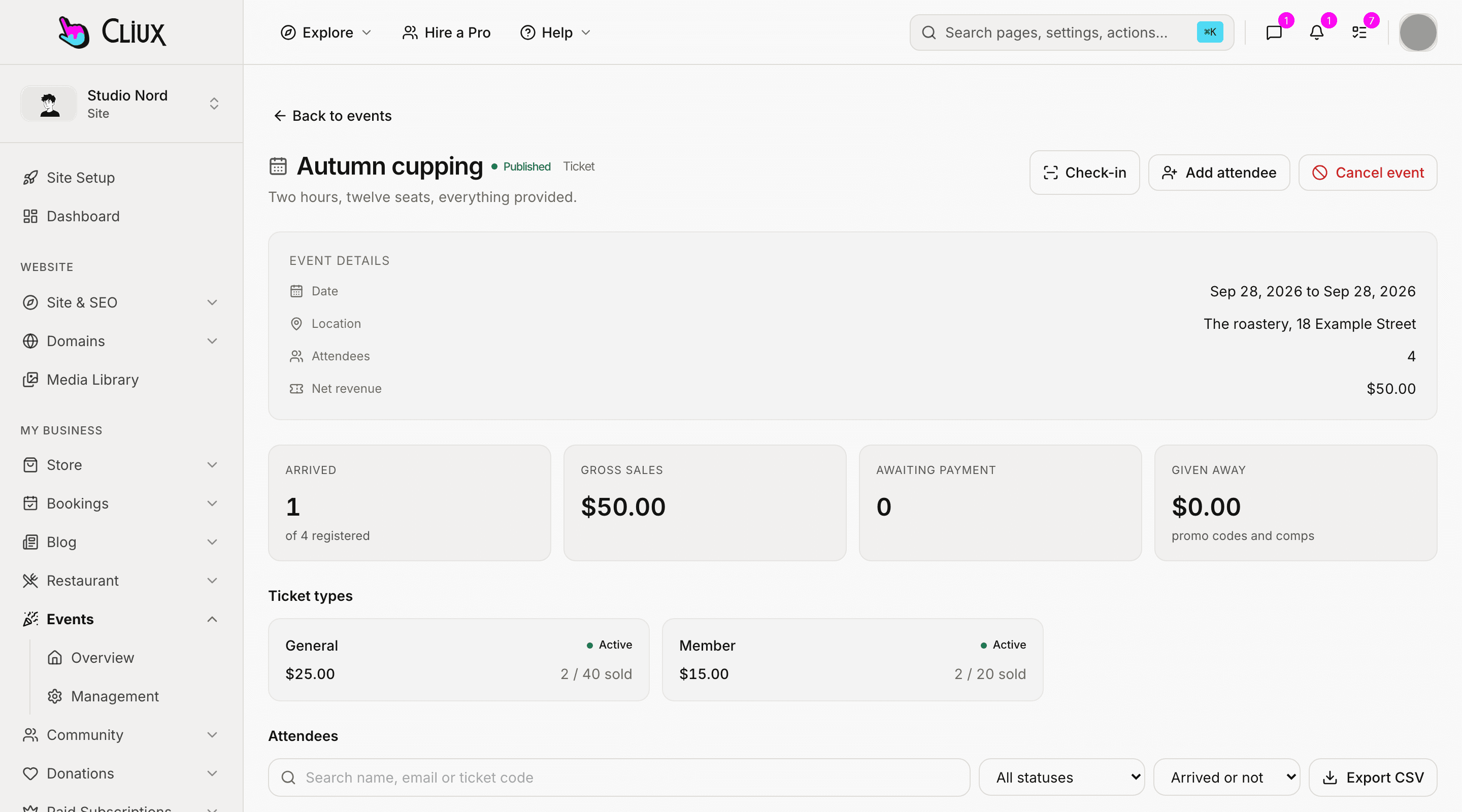
At the door
Scan the ticket, or type its code, and the guest is in.
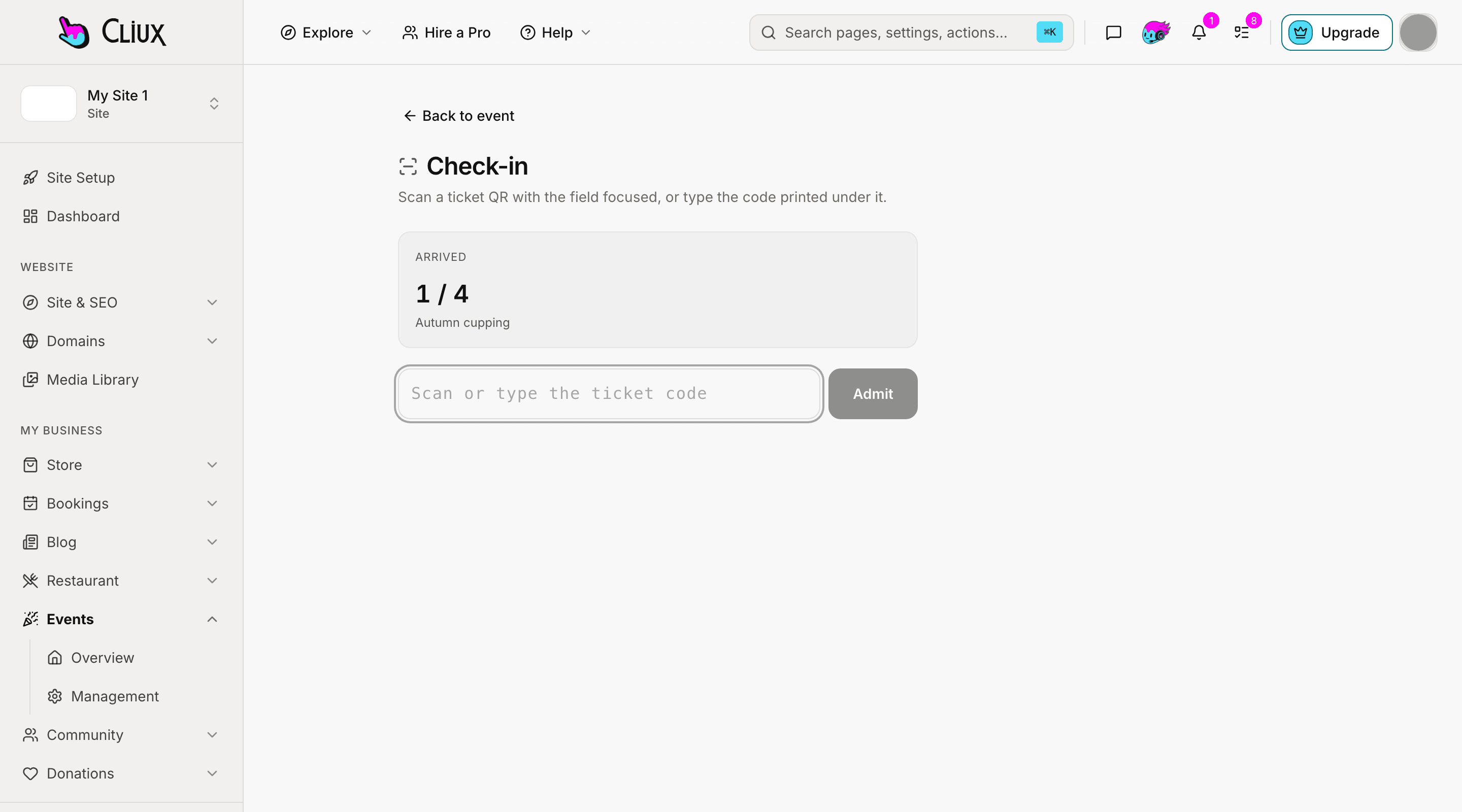
Open check-in on any phone or laptop at the door. Scan a ticket QR with the field focused, or type the code printed under it, and the count of arrivals goes up as people come in. The attendee list shows who has arrived, filters by status, and downloads as a CSV file.
QR tickets
Every ticket has a code and a QR the guest can show.
Arrivals counted
How many of the registered guests are in, as they arrive.
Attendee list
Search, filter by status and arrival, export as CSV.
- Kinds of event: ticketed and RSVP
- 2
- Guest emails: tickets, reminder, and two kinds of cancellation
- 4
Counted in the product, not estimated.
Capabilities
What you get
Building and previewing are free. A site plan publishes; taking payments starts on Business and recurring payments on Business Plus.
Dates and time zone
A start, an optional end, in the event's own time zone.
Ticket types
Price and seats per type, under the event's own cap.
Free RSVPs, confirmed
An emailed code before a free seat is held.
Paid tickets
Checkout through the payment account the site connects, with no platform commission.
Door check-in
Scan the QR or type the code on any device.
Cancel and refund
Cancel an event and refund its paid tickets in one step, with an email to every guest.
Frequently asked questions
Have other questions?Use the contact form
No. Paid tickets go to the payment account the site connects. You pay your Cliux plan; your payment provider charges its own fee.
Building event pages is free. Taking registrations, free RSVPs included, and selling tickets need the Business plan.
Not yet. When an event is full, registration closes.
Yes. Add an attendee from the event's page, for someone who registered another way.
Yes, from their ticket page, and they get an email saying so.
Get started
Try Events for free.
Building and previewing costs nothing. Publishing on your own domain is $192 a year on the Website plan, and selling starts on Business.