

Landing page builder
A landing page builder for one-page sites, with forms that can add each new sign-up to your contacts.
Pick Landing Page when you create a site and the wizard composes one page in your theme: an opening section, features, steps, a pricing section, frequently asked questions and a testimonial. Each form submission keeps the page it was sent from, a popup can point visitors to your form, and Analytics shows where each visit came from.
Start from a real page
Three landing page templates, previewed live.
A landing page starts as one page: Home. Hover over a card to scroll its preview; open one to browse the whole site on a desktop or a phone.
- Design themes
- 11
- Templates, each previewed live
- 121
- Popup triggers: click, on load, after a delay
- 3
These figures are counted from the product.
What you get
The builder's main features
A one-page site type
Choose Landing Page in the wizard and the site starts as one long page in your theme. Keep the recommended Forms app and the contact section on that page holds a working form.
Each element stays where you place it
The headline, the testimonial and the button stay exactly where you put them, with snap guides and rulers to line them up. The editor works out a mobile view from the desktop page, and it stays editable.
Sign-ups added to your contacts
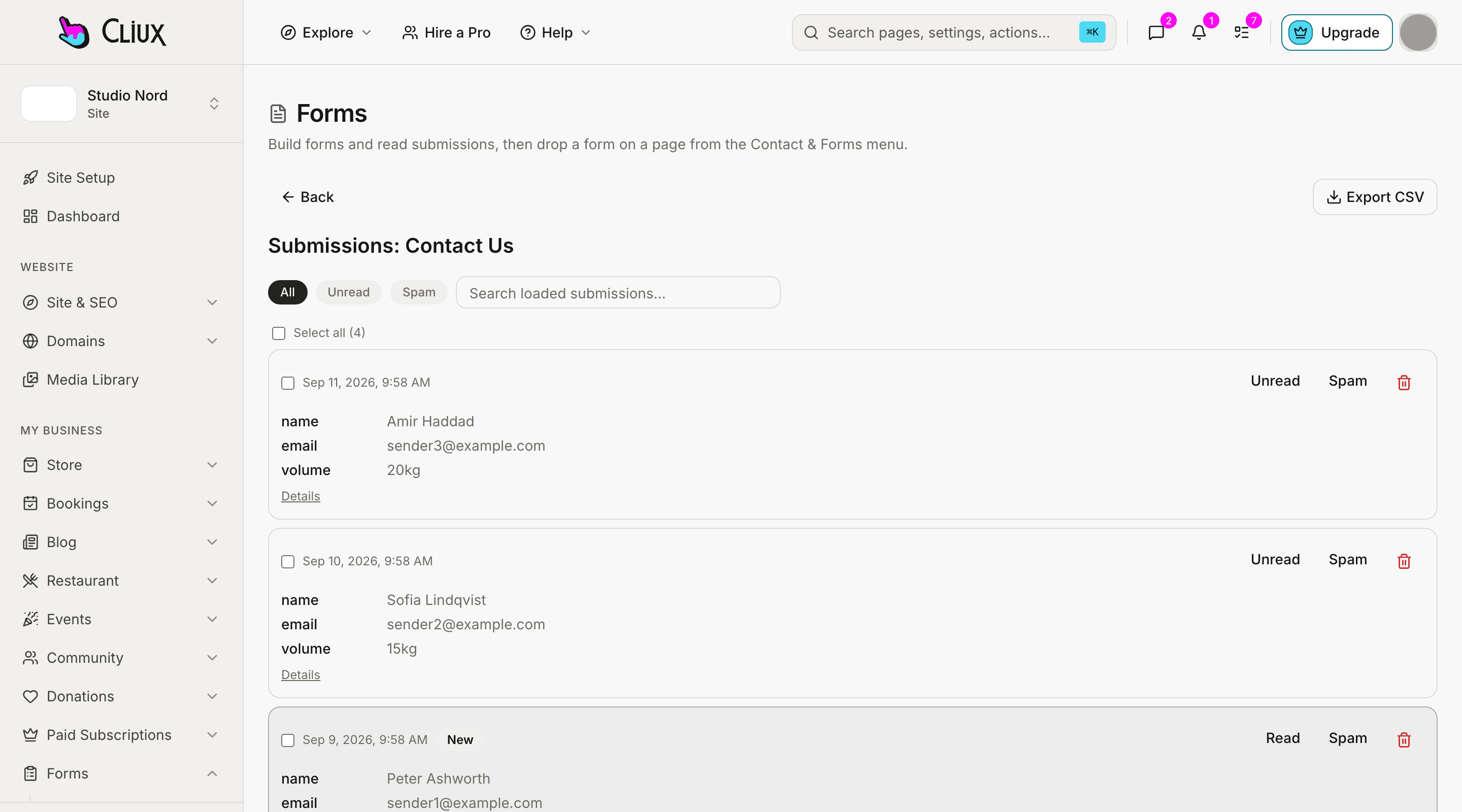
Turn on a form's "Create a contact" setting and a sender with a new email address is added to your contacts, with the form's name as the source. It is already on for the contact form the Forms app creates and for the editor's preset forms.
Popups with a trigger
Show a centred popup, a corner slide-in or a bottom bar, each with a heading, a line of text and a button that can take visitors to your form. It opens on a click, on load or after a delay you set.
Built-in analytics
Analytics shows visitors, page views, top pages, devices and where each visit came from (a link's UTM source or the referring site), and a realtime view shows what is happening on the site now. It runs without a third-party script.
A conversion rate per form
The forms list shows each form's submissions and conversion rate. Give each page its own form to compare one page with another.
Frequently asked questions
Have other questions?Use the contact form
Submissions from a form you place in the editor, or from the form in the landing page's contact section, arrive in that form's Submissions list in your dashboard, each with the page it was sent from. With "Create a contact" on (already on for the starter contact form and for the preset forms), a sender whose email address is not already in your contacts is also added to them. A webhook can post each submission as JSON to a URL you set, and the submissions export to CSV.
No. A popup holds a heading, a line of text and one button; link the button to the page that holds your form.
It can send one: a confirmation email to the sender with a copy of what they wrote, once you switch it on in the form's settings (the form needs an email field). You also get an email for each submission; that notification is on by default. Email sequences and email campaigns are not currently available.
No. A/B testing is not currently available. Build two pages, give each its own form, share each through a link with its own utm_source, and compare the two forms' conversion rates on the forms list.
Yes. Each site can be connected to its own domain, so a campaign that needs a separate domain gets a separate site. Any account can hold several sites, and each site you publish needs its own site plan.
Building and previewing a landing page is free. Putting it live, at its Cliux address or on your own domain, needs a paid plan for that site; the prices are on the pricing page.
Get started
Build your site for free. Publish it when it is ready.
Building and previewing are free. Publishing a site, at its Cliux address or on your own domain, is $192 a year on the Website plan, and selling starts on the Business plan.