

Website builder
A free website builder: every element stays exactly where you place it.
Choose a site type and a theme to start, then design the desktop page; the editor builds the mobile view from it. Building and previewing are free. Putting a site live, at its Cliux address or on your own domain, needs a paid plan for that site.
Start from a real page
Three business site templates, previewed live.
A business site starts with 4 pages: Home, About, Services and Contact. Hover over a card to scroll its preview; open one to browse the whole site on a desktop or a phone.
- Design themes
- 11
- Templates, each previewed live
- 121
These figures are counted from the product.
What you get
The builder's main features
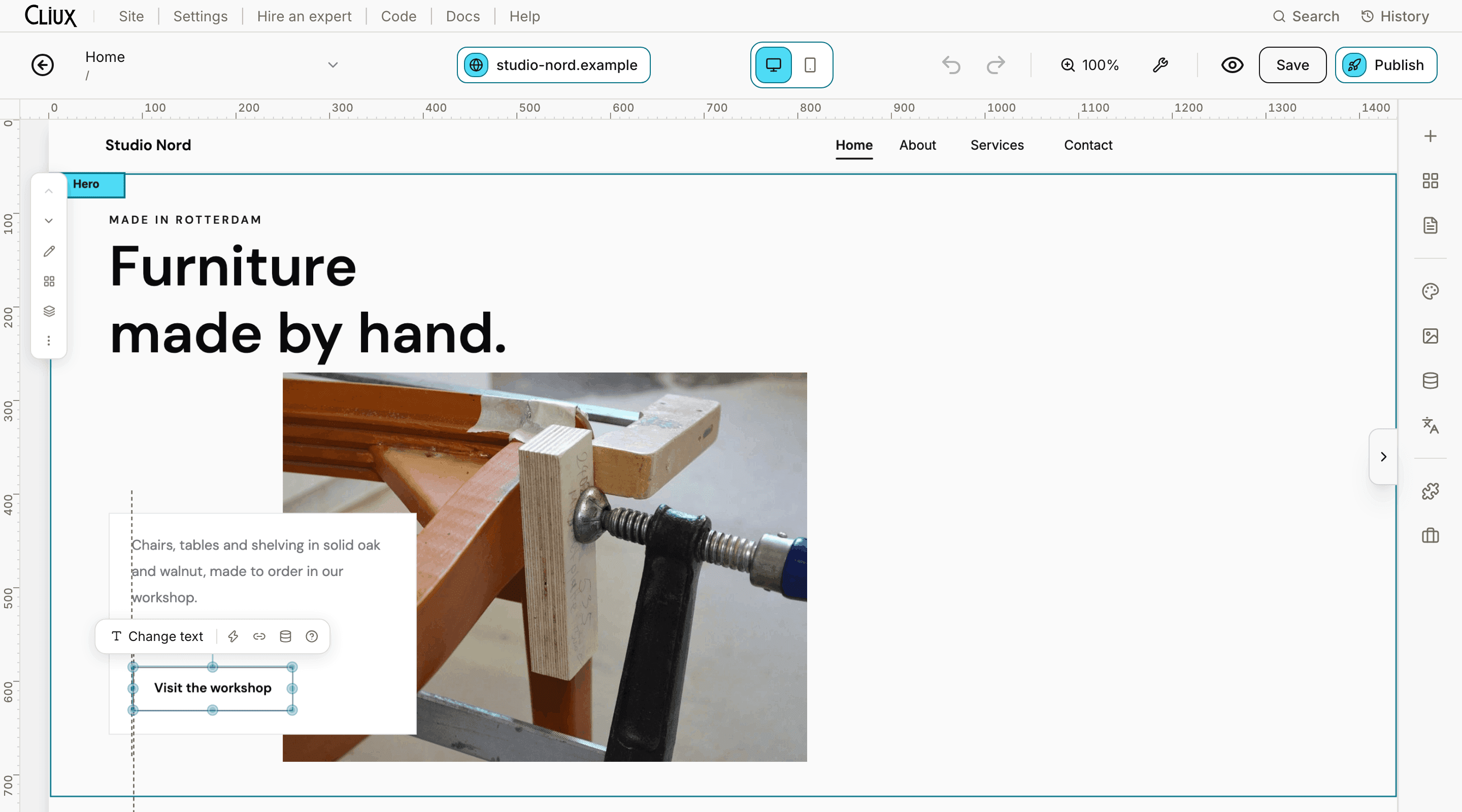
Drag and drop anywhere on the page
Drag an element to any point on the page and it stays there. Guides, rulers and snapping help you line it up with the other elements.
A mobile view built for you
The editor arranges your desktop page into one column for phones. Switch to the mobile view to adjust or hide any element there.
Templates for every site type
The wizard puts together a starting site with the pages your site type needs, in the theme you pick. Every template is previewed live on the templates page.
SEO settings on every page
Give each page its own title, description and share image. The sitemap and robots.txt are served on the site's own domain.
Your own domain
Connect a domain you own with two DNS records. The SSL certificate is issued and renewed for you.
Built-in apps
Install the Online Store, Bookings, Blog or Forms app from the site's dashboard or the editor; each one creates the pages it needs. Smart Chat adds a chat bubble to every page of the published site and has no page of its own.
Frequently asked questions
Have other questions?Use the contact form
Building and previewing are free on every account. A site goes live, at its Cliux address or on your own domain, once it has a paid plan of its own. Prices are on the pricing page.
No. You place, resize and set up every element in the editor without code. Code mode is optional: each page gets its own JavaScript file, plus one file that runs on every page.
Choose a site type and a theme. The wizard sets up a starting site with the pages that type needs, and you can change anything in the editor from there.
Yes. The templates page shows a live preview of every theme on every site type. A template is not locked: once your site is created, you can move and change every element. If you switch themes later in the editor's Theme panel, the colours, background and fonts change across the site and your layout stays as you made it.
The editor builds a mobile view from your desktop page: each section becomes one column in the desktop reading order, body text keeps roughly the size you set, and large headings are made smaller. You can switch to the mobile view and adjust any element; visitors on a phone see that view.
Yes. Any account can hold several sites, and each site you publish needs its own site plan.
Get started
Build your site for free. Publish it when it is ready.
Building and previewing are free. Publishing a site, at its Cliux address or on your own domain, is $192 a year on the Website plan, and selling starts on the Business plan.