

Online store
An ecommerce website builder on the site you already built.
Products with stock that cannot be oversold, checkout through your own payment provider account with PayPal beside it where it is offered, coupons, shipping zones, digital goods and an orders board, in the same editor as the rest of your site.
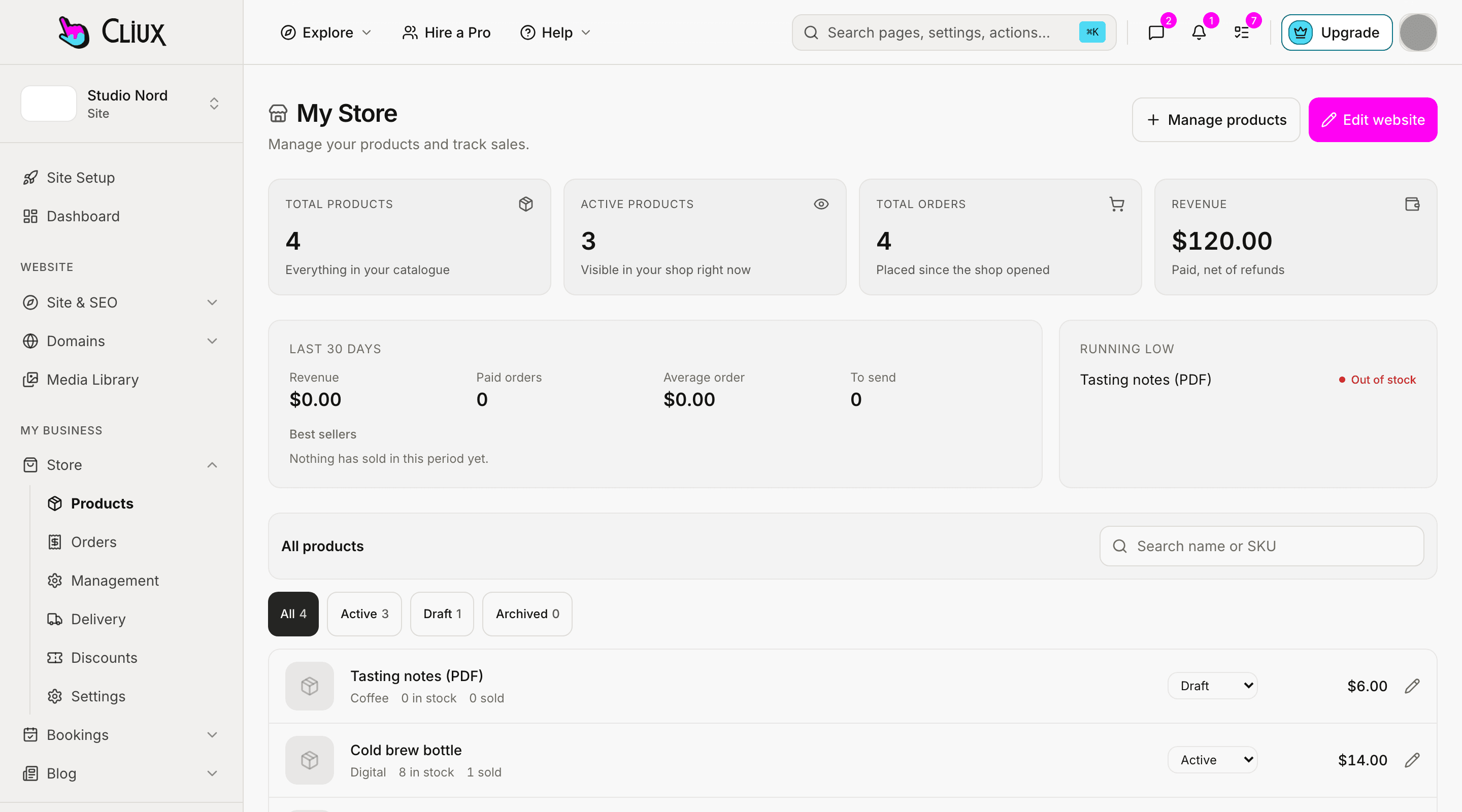
Orders
From paid to shipped, on one board.
An order arrives with its own number, and the customer is notified by email. You mark it processing on the board, open it to add the carrier and tracking number, and the customer gets the tracking number by email. Refund it in full from the board and, if it has not shipped yet, its units go back into stock.
Shipping zones
Flat-rate methods per country group, with order-value bands and estimated days.
Refunds that restock
A full refund goes back through the provider that took the payment, and items that have not shipped return to inventory.
Digital products
Files delivered through a download link issued for each order, with a limit you set.
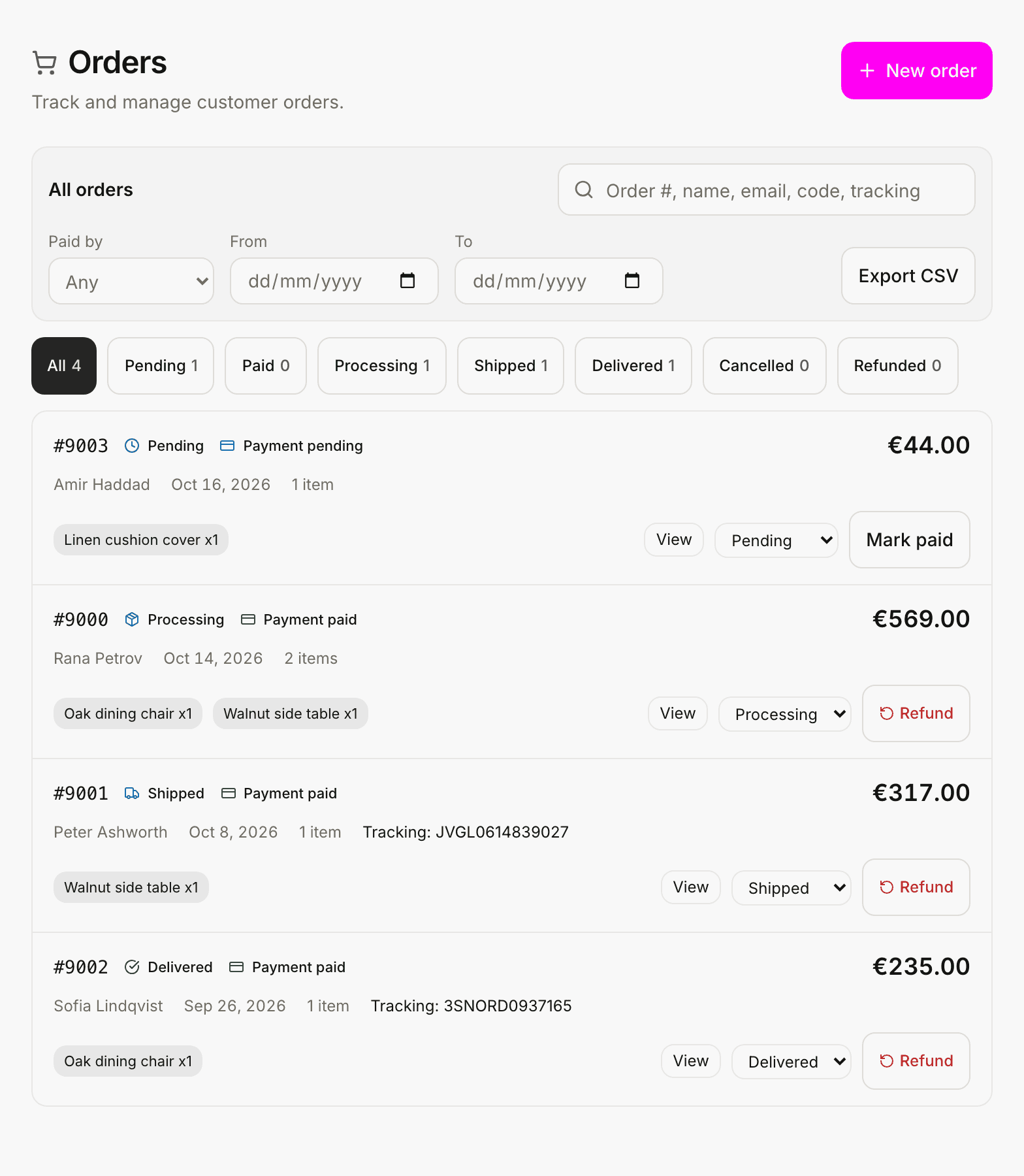
Pricing and promotions
Coupons with rules, and compare-at prices.
A percentage or a fixed amount off, a minimum order, a cap on the discount, a usage limit for everyone and one per customer, a start and an end date. Products carry a compare-at price and a cost price, and the store dashboard lists the ones running low.
Percent or fixed coupons
With minimums, caps, usage limits and a date window.
Categories and featured products
Categories and subcategories, a featured flag for the products you want up front, draft and archived states.
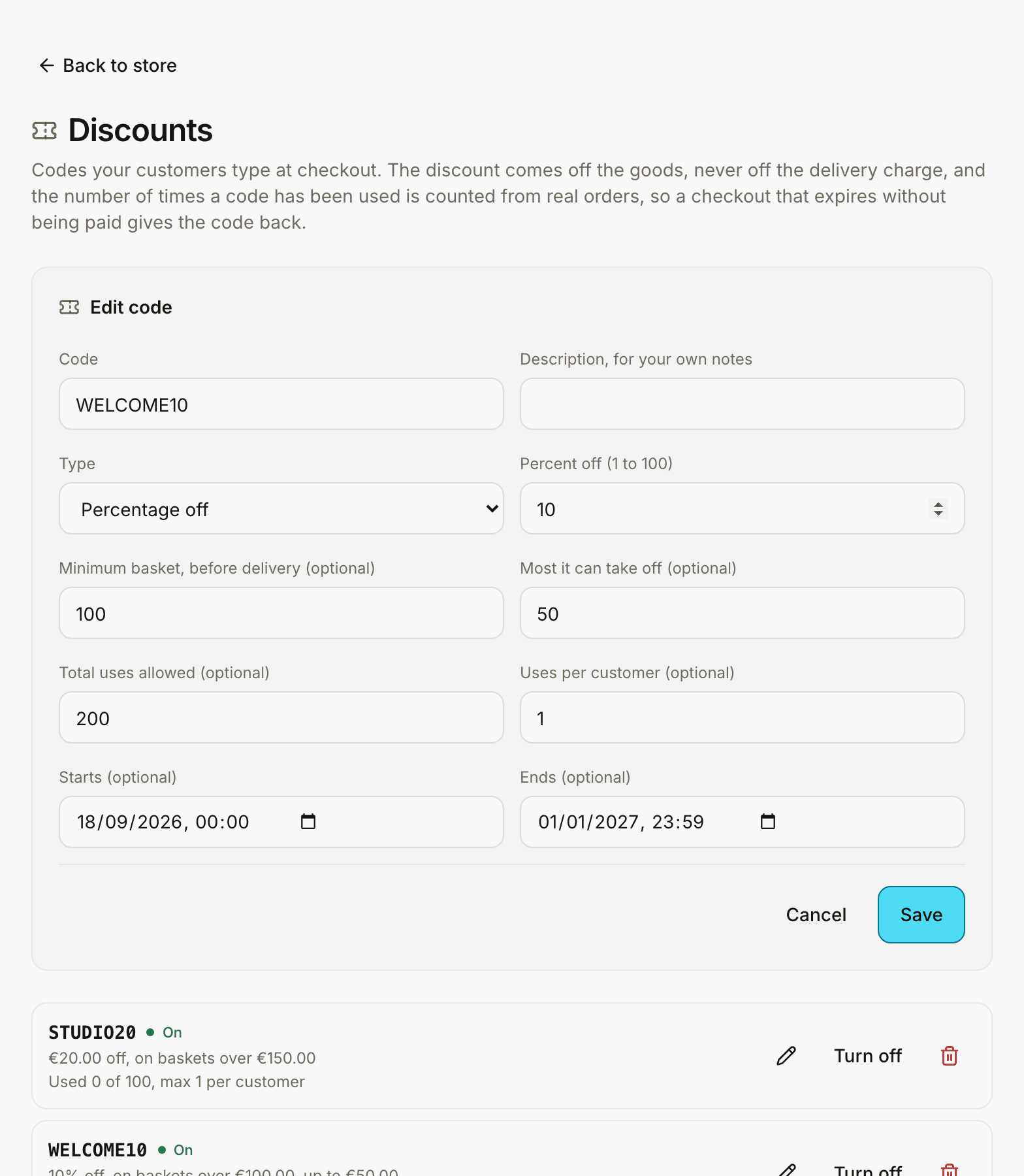
Low-stock warnings
The store dashboard lists the products down to five or fewer, sold-out ones first.
Capabilities
What you get
Building and previewing are free. Publishing takes a site plan; taking payments starts on Business and recurring payments on Business Plus.
Checkout on your own account
Your card processor's own checkout, embedded in your page or opened on the provider's own page, with PayPal beside it where it is offered; card details never touch Cliux.
Manual payment
Optionally take orders with your own payment instructions, for bank transfer or pay on collection.
A page per product
On your own domain: image, price with compare-at, description, a live stock line and Add to cart.
Shipping by zone
Zones by country, flat-rate methods, minimum and maximum order bands.
Order emails
Confirmation, shipping and refund emails to the customer; a new-order notification to you.
Stock that cannot be oversold
One count per product, or per variant when it comes in sizes or colours, claimed the moment an order is placed and given back when a hold expires, an order is cancelled, or an unshipped order is refunded in full.
Go deeper
More on Ecommerce
Frequently asked questions
Have other questions?Use the contact form
Cards through the card processor you connect, PayPal beside it if you switch it on where it is offered, and manual payment with instructions you write, for example a bank transfer or paying on collection.
No. Cliux takes no cut of your sales. You pay your plan, and your payment provider charges its own processing fee.
Yes. Mark a product as digital and attach the file; each buyer gets a download link issued for their order, and you can limit how many times they download it.
From the order: a full or partial refund goes back through the provider that took the payment, and the customer is emailed. When an order that has not shipped is refunded in full, its items also return to stock.
Prices are charged in the one currency your store uses. Tax comes from the rates you enter on the store's Taxes screen: add each country you charge tax in, name the tax there as buyers should see it, such as VAT, and give it a rate for each tax group and one for delivery. In Store settings, choose whether your prices include tax or tax is added at checkout. While delivery is switched on, an order with something to post is taxed in the country it goes to; every other order is taxed in your shop's country, set in Site details. No tax is charged in a country you have not added, and Cliux does not look up rates for you.
Get started
Try Ecommerce for free.
Building and previewing are free. Publishing a site, at its Cliux address or on your own domain, is $192 a year on the Website plan, and selling starts on the Business plan.