

Cliux for restaurants and cafes
Online ordering from your menu, on your restaurant's own website.
Menu, online ordering for collection and delivery, table reservations and a live kitchen board, with card payments going to your own payment provider account and no commission from Cliux. The menu screen creates the QR code for you to print.
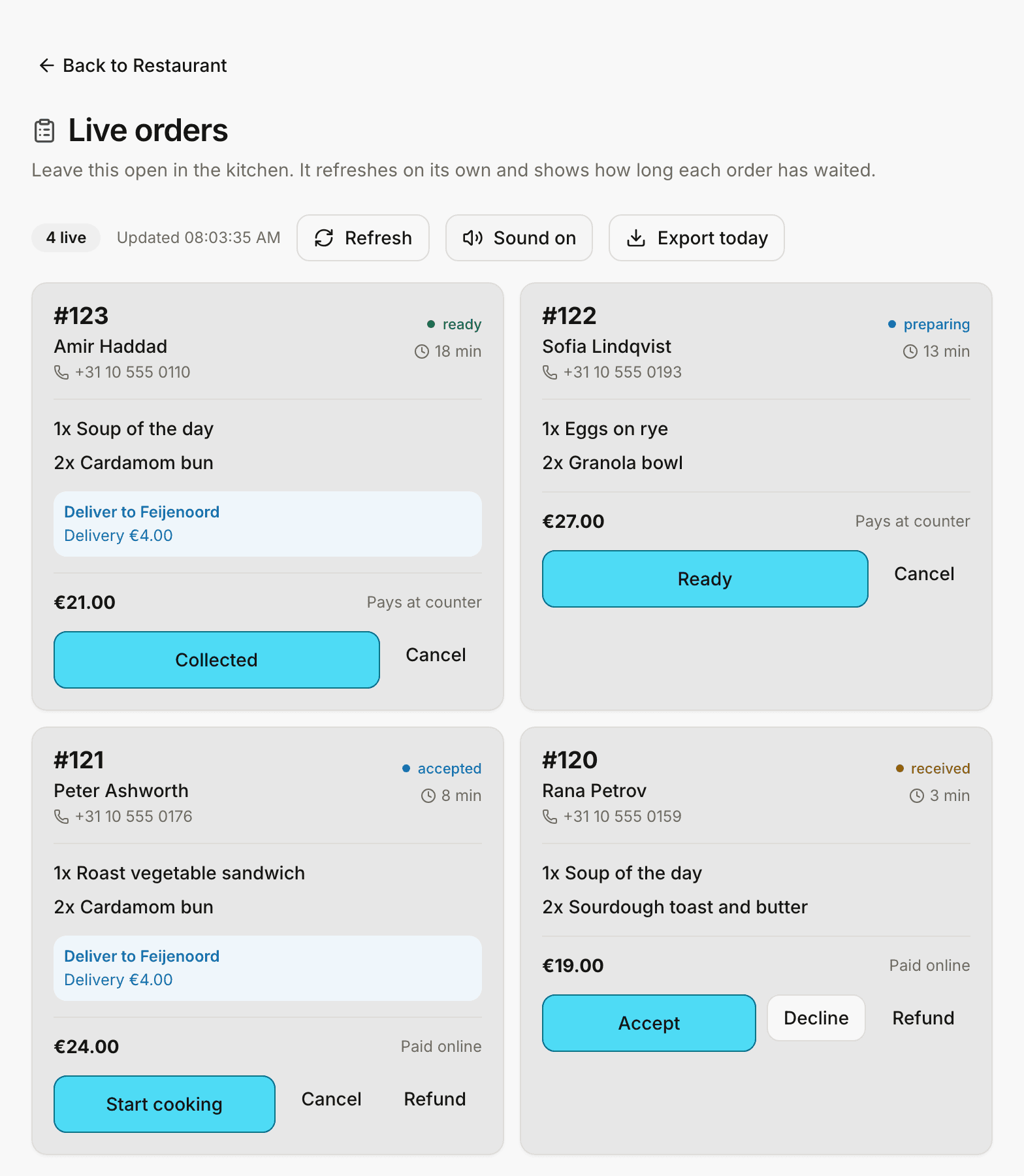
The kitchen board
Every order on one kitchen board, from received to completed.
Each order moves through its statuses on the board, with the prep time and capacity you set and a private tracking link for the customer. With sound turned on, the board chimes for each new order. A card order appears once it is paid, and a paid order you do not accept in time is refunded automatically.
A chime for each new order
The board refreshes on its own and, with sound turned on, chimes for each new ticket.
Prep time and a pause switch
Quote a time, cap the active orders, pause with a reason customers see.
Refunds through your provider
A full refund from the ticket; a paid order you decline is refunded automatically.
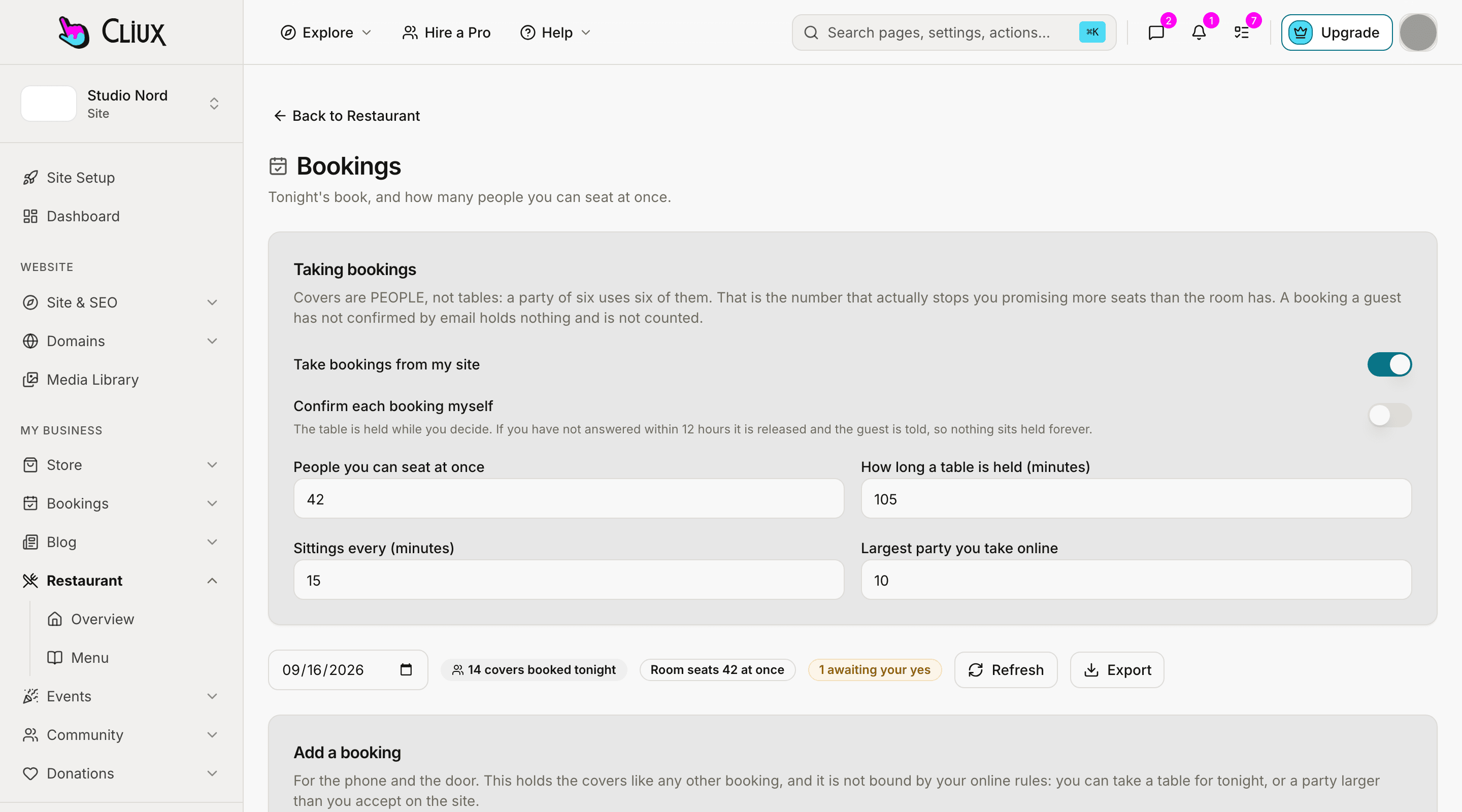
Reservations
Table reservations within the capacity and rules you set.
Set a maximum party size, the slot length, the minimum notice, how far ahead guests can book, the covers the room seats and the turn time. Every online booking needs a verified email, approval by hand is optional, and a reminder email goes out before the visit. The reservations list in the dashboard shows bookings by date.
Covers and turn time
Slots are offered only where the room has space.
Approval and verification
Every online booking needs a verified email; confirming by hand is optional.
Reminder emails
Sent before the visit, with your restaurant's name in the subject line.
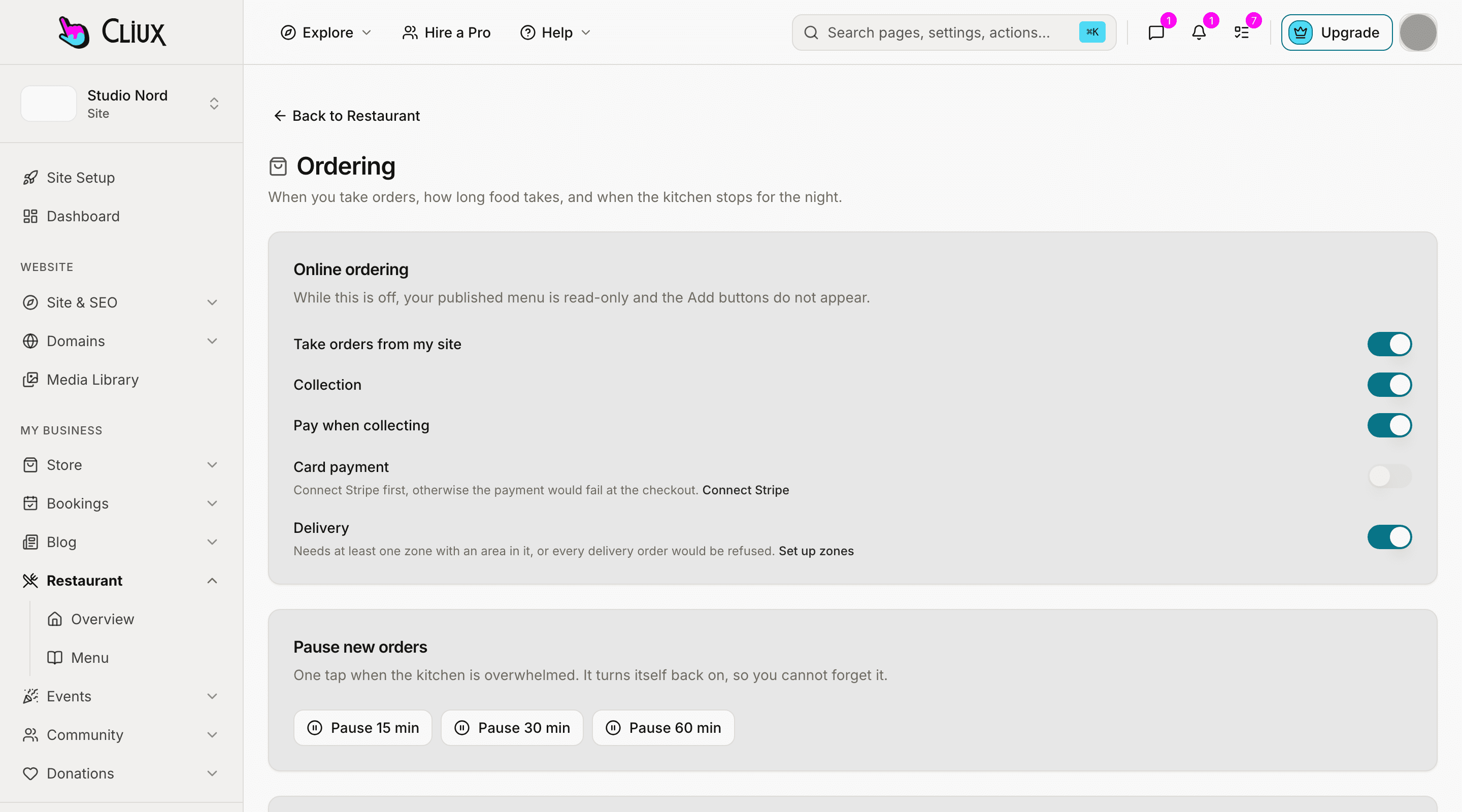
Ordering settings
Collection, delivery zones, hours and cutoffs from one screen.
Switch collection and delivery on or off, take card payments online or payment on collection, set a minimum order, a last-order cutoff and a cap on active orders, list delivery zones by area name or postcode with a fee and a minimum each, and pause ordering with a reason your customers see.
Delivery zones with fees
Each zone lists area names or postcodes with its own fee and minimum; delivery is offered only to the areas listed.
Card online or pay on collection
Offer both or either; card payments go to the provider you connect.
Hours, closures and cutoffs
Opening hours, closed days, and the last time an order is taken.
Templates
Three restaurant templates, rendered live.
Each preview is a live page, rendered the same way as your published site. Choose one as your starting design and change anything on it.
Capabilities
What you get
Building and previewing are free. Publishing takes a site plan; taking payments starts on Business and recurring payments on Business Plus.
A menu with allergens and options
Categories, items with a photo and a price, allergens, option groups with minimums and maximums, and an "unavailable until" switch; the published menu shows each change on the next page load.
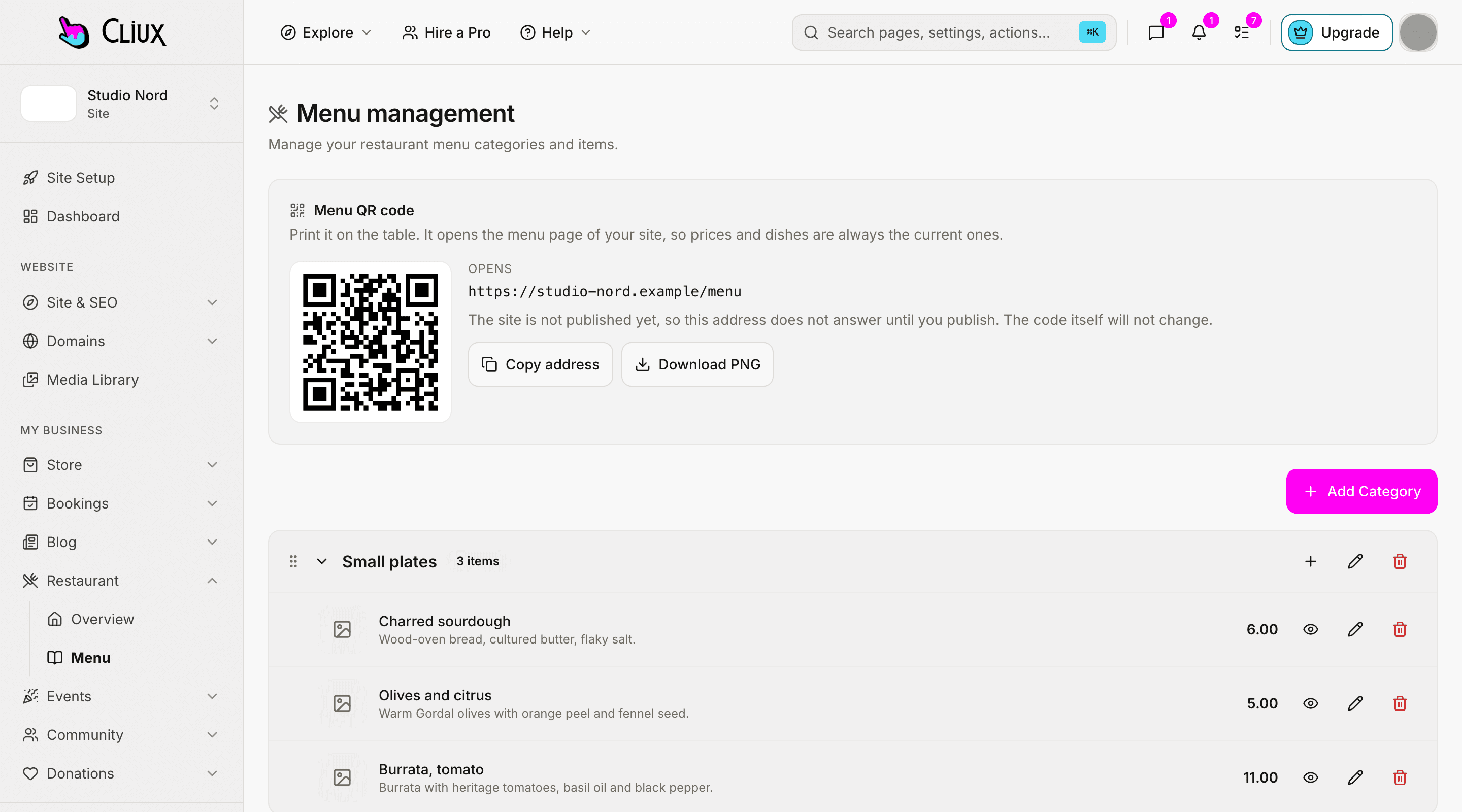
A QR code from the menu screen
The dashboard creates the code for your menu address; download the PNG and print it. The address stays the same when the menu changes.
A live kitchen board
Order statuses from received to completed, prep time, capacity, a pause switch and full refunds, on a screen made for the kitchen.
Table reservations
Party size, slots, notice, covers and turn time, optional approval, email verification and reminders.
Enquiry forms
Requests for private events and large orders arrive through a form, which can add each sender to your contacts.
A contact list
Contacts from your forms or added by hand, with deals in a pipeline if you need one.
Go deeper
Related features
Frequently asked questions
Have other questions?Use the contact form
No. Card payments go to your own payment provider account and Cliux adds no fee; you can also let customers pay on collection.
Yes. The menu screen in the dashboard creates the code for your menu address; download the PNG and print it. It keeps working after you change the menu, because the address does not change.
No. Reservations take no payment; you can require approval instead, and every online booking needs a verified email.
No. Orders are managed on the built-in kitchen board and are not sent to a till.
Not from one site. Each site holds one restaurant, so a second location is a second site.
No. Online ordering is for collection and delivery; there is no table-number ordering.
Get started
Try Cliux for your restaurant.
Building and previewing are free. Publishing a site, at its Cliux address or on your own domain, is $192 a year on the Website plan, and selling starts on the Business plan.