

On the table
A QR code on the table, a menu that is never out of date.
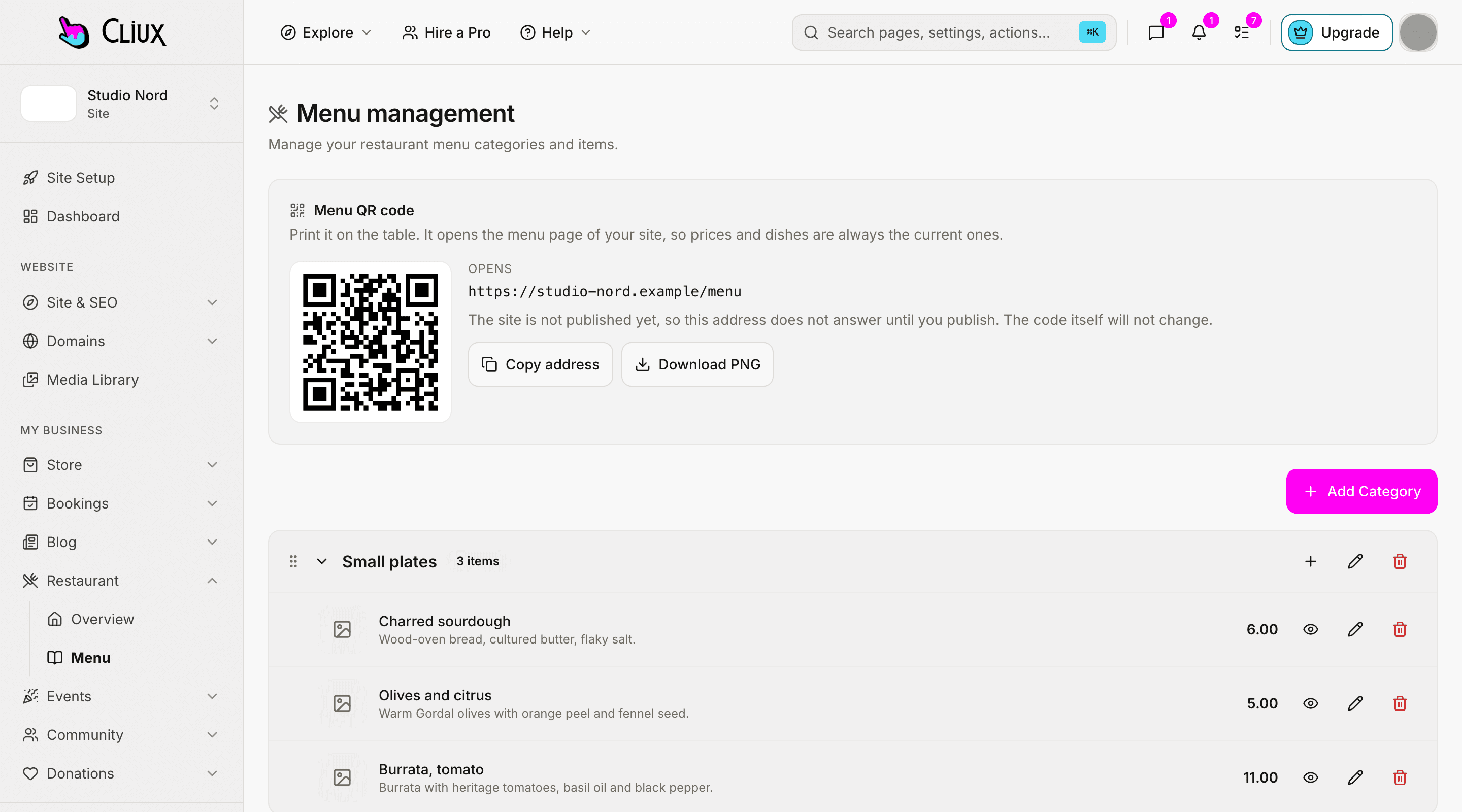
The menu screen creates the QR code for your menu page; print it and put it on the table. Change a price, take a dish off or add one, and the page a guest opens is already up to date. When ordering is on, the same page takes their order.
Capabilities
What you get
The code, made for you
A QR code for your menu page on the menu screen, with the address, a copy button and a print-size PNG to download.
Your own address
It opens the menu on your site's domain, under your name, in the guest's browser; nothing to install.
Always current
Prices, dishes and availability come from the menu at the moment the guest opens it; no reprint, no republish.
What a dish shows
Name, description, photo, price, an allergen line and its option groups.
Take a dish off with one switch
Mark it unavailable and it leaves the page until you bring it back; options can be sold out on their own.
The same page orders
When ordering is on, the menu the guest reads is the one with the basket in it.
Part of
Restaurant
Frequently asked questions
Have other questions?Use the contact form
On the menu screen in your dashboard: it is created for your site's menu address, with a copy button and a PNG large enough to print.
No. The code opens a page in the phone's browser.
One code for the menu. There are no table numbers, so an order placed from it is a collection order, not a table order.
Partly. On a site with more than one language, the menu page has an address in each, and its name and the site's header and footer are translated with the rest of the site. The basket and checkout read in Turkish on a Turkish page and in English on the others. Dish names, descriptions and options stay as you wrote them.
Not currently. There is no PDF version of the menu; print the QR code, which opens the current menu page.
Get started
Try Restaurant for free.
Building and previewing are free. Publishing a site, at its Cliux address or on your own domain, is $192 a year on the Website plan, and selling starts on the Business plan.