

Forms that become contacts
A form on any page, and a popup that brings visitors to it. Each sender can become a contact.
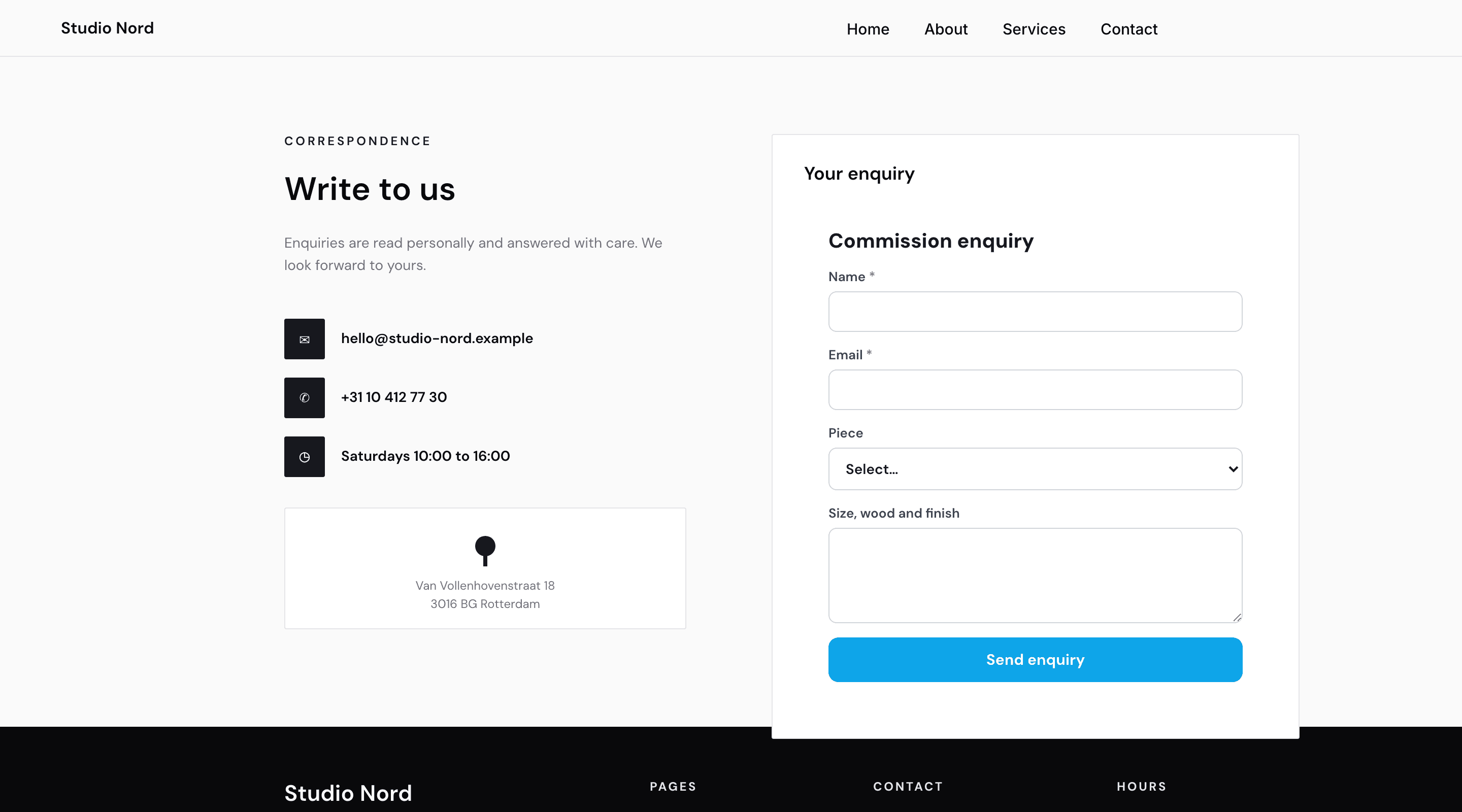
Drop a contact or newsletter form on a page, then add a popup that links to it and opens on load, after a delay or on a click. Each submission keeps the page it was sent from, can create a CRM contact and can email you and the sender.
After the submit
From submission to contact, without typing it twice.
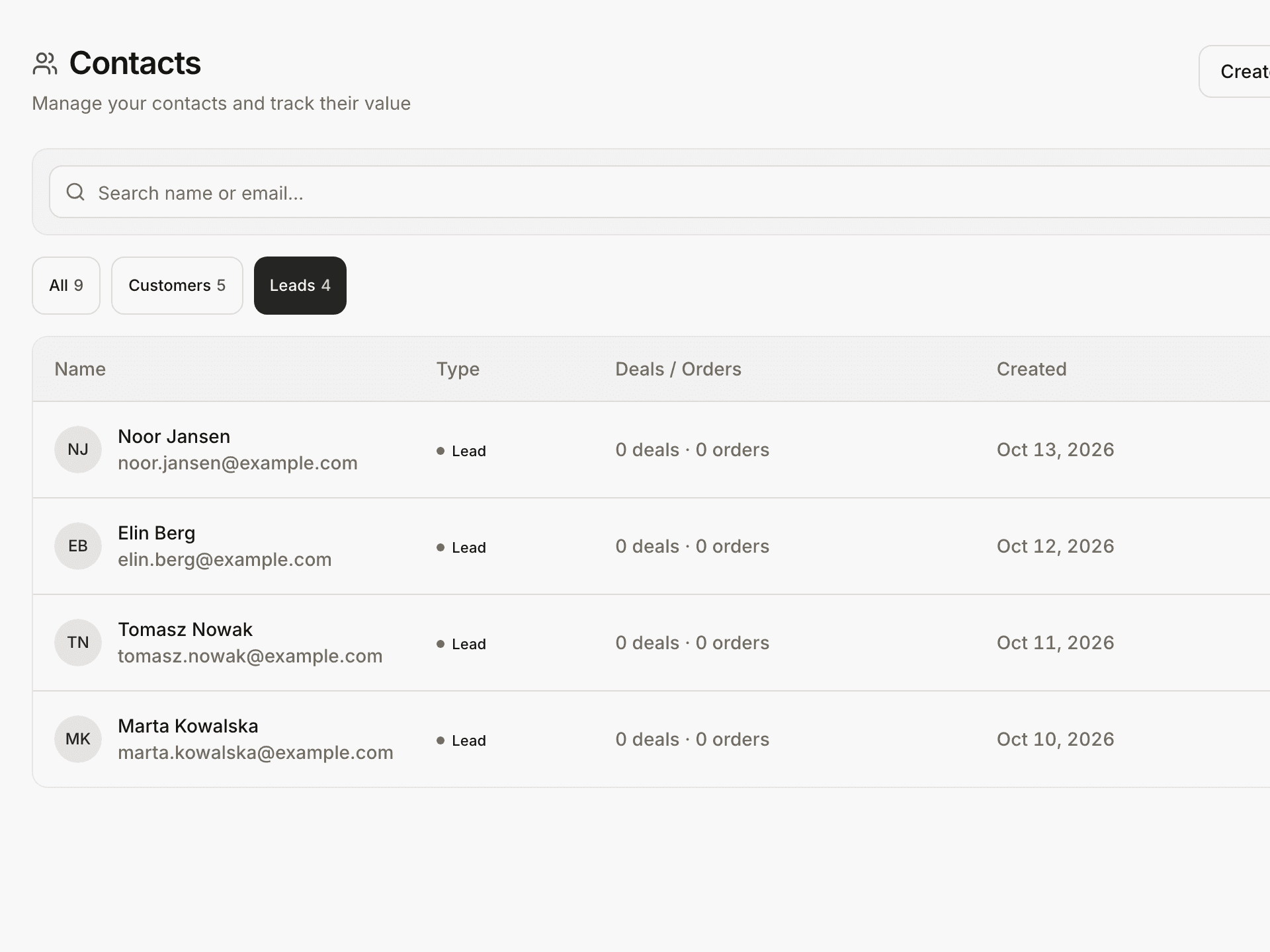
Turn on "create contact" and the sender becomes a person in your CRM, once per email address, listed as a lead until a deal with a value is linked to them. The submission keeps the page URL and the referrer, the sender can get an autoresponder with a copy of what they wrote, and you get a notification.
A contact, once
Name and email become a contact; a second submission from the same address adds no second contact.
The page it came from
Every submission records the page URL and the referrer, both shown in the inbox.
Two emails, if you want them
A notification to you and an autoresponder to the sender with the summary.
- Popup presets
- 4
- Popup triggers: click, on load, after a delay
- 3
- Field types
- 16
These figures are counted from the product.
Capabilities
What you get
Popups with a trigger
A centre modal, a newsletter box, a promo, a cookie notice or a slide-in; opened by a click, on load or after a delay you set.
Form presets on the canvas
A contact form, a longer contact form and a newsletter form ready to drop; add a hidden field when a form should carry a fixed value.
Straight into the CRM
Create a contact per sender, once per email address; they appear in the contacts list as leads.
Out through a webhook
Each submission can be posted as JSON to a URL you set, so a lead can reach the email tool you use.
Spam defence
A honeypot, a rate limit and a spam score on every form.
A conversion rate per form
Views and submissions on the forms list, so you can see how each form performs.
Part of
Forms
Frequently asked questions
Have other questions?Use the contact form
No. Popups open on a click, on page load or after a delay in seconds. Opening on exit intent or at a scroll depth is not currently available.
Not with targeting rules. A popup is shown to every visitor of the page it is on; to show different offers, place different popups on different pages.
A/B testing is not currently available. You can compare two forms by their conversion rates on the forms list.
Through the form's signed webhook, which posts each submission as JSON to a URL you set, or through the CSV export. There is no built-in sync with a particular mailing tool.
Put the download link in the confirmation email. Attachments and timed email sequences are not currently available.
Get started
Try Forms for free.
Building and previewing are free. Publishing a site, at its Cliux address or on your own domain, is $192 a year on the Website plan, and selling starts on the Business plan.