

Availability
Set your hours and booking rules; customers are offered the times that fit.
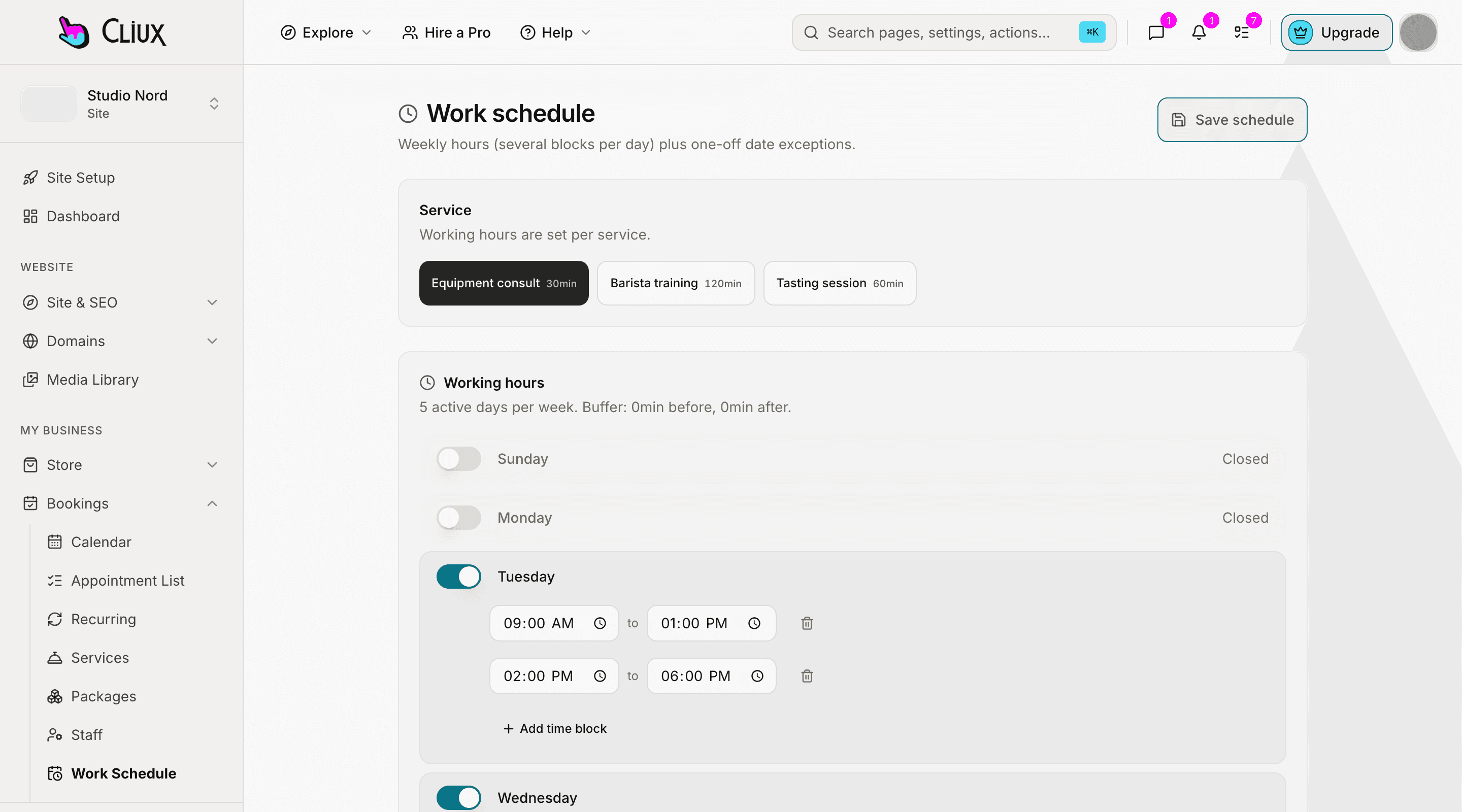
Weekly hours per service and per staff member, in several blocks a day, with buffers, minimum notice, a booking window and one-off days off. Times are calculated in your timezone and shown in the visitor's. You get a month calendar; customers get a calendar file with their confirmation.
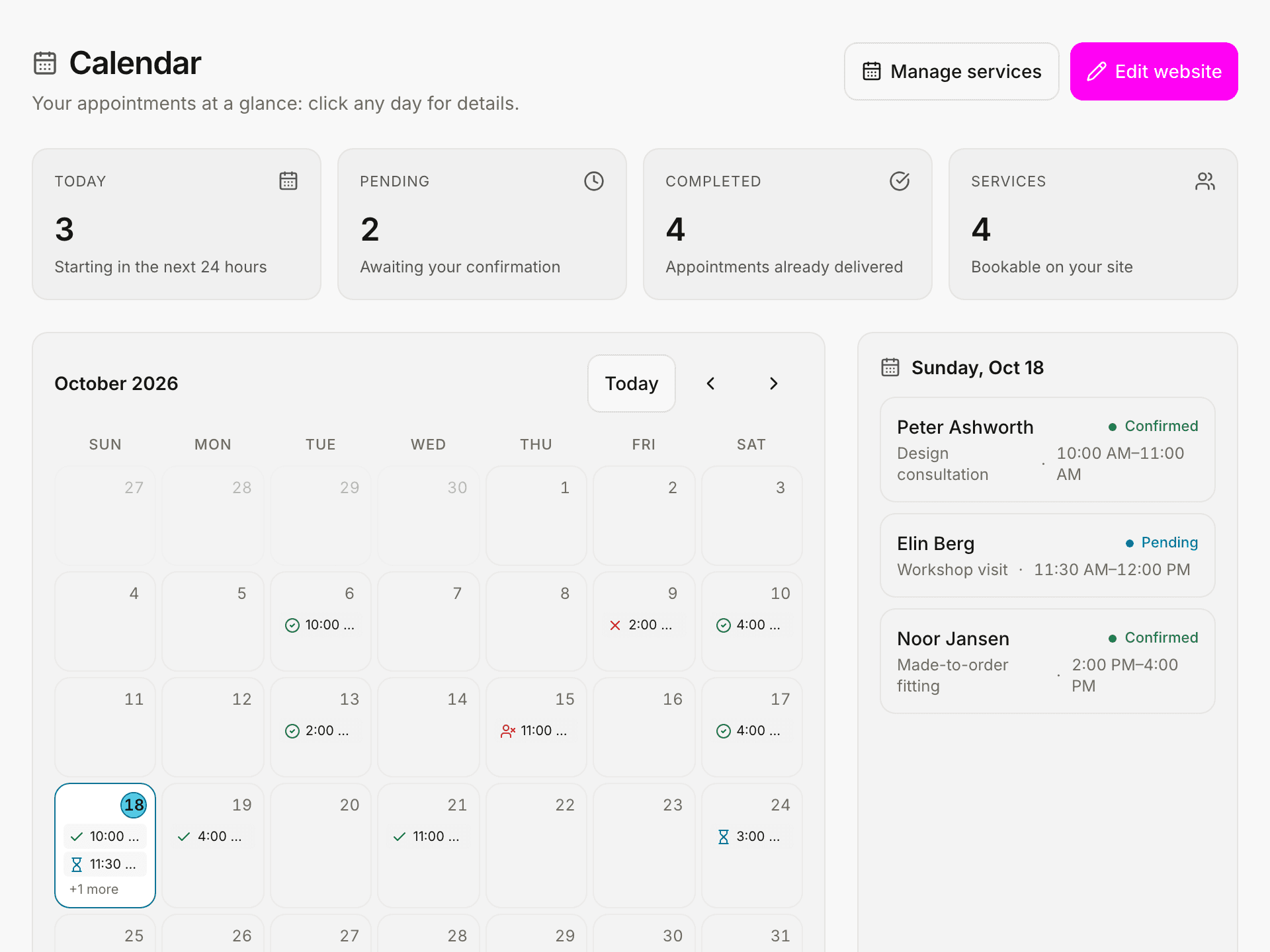
The month at a glance
Every appointment on one calendar, with a day panel beside it.
Your calendar shows the month with a panel for the selected day. Reschedule from the appointment list by choosing from the available times, and let customers move or cancel their own booking from the personal link in their email, as long as the cancel window you set for the service has not begun.
Month view with a day panel
Move to the previous or next month or back to today, with the day's appointments beside the grid.
Rescheduling
Pick a free time from the same availability customers see, or override your hours on purpose.
Customer self-service
A personal manage link to cancel or reschedule, closed inside the cancel window.
- Slot rules per service
- 8
- Days ahead a customer may book, by default
- 60
- Quick presets for the week
- 4
These figures are counted from the product.
Capabilities
What you get
Hours in blocks
Several blocks a day, days on or off, and quick presets for the common weeks.
Hours per person
Each staff member has their own hours; a customer picks a specific person or anyone available, and choosing anyone available offers everyone's free times together.
The eight rules
Duration, buffer before and after, slot interval, minimum notice, booking window, timezone and group size, per service.
Days off
One-off blocked dates or time windows across every service, which you can delete if your schedule changes.
Your timezone and the visitor's
Hours are set in the service's timezone; visitors see the available times in their own.
Calendar sync
Each person connects their own Google Calendar or Apple iCloud Calendar: bookings are added to it, and customers are not offered the times that person is busy there.
Part of
Bookings
Frequently asked questions
Have other questions?Use the contact form
Yes. Connect Google Calendar or Apple iCloud Calendar on the Work schedule screen; each person on your staff connects their own through an invitation from the Staff screen. Bookings go into a separate bookings calendar in that account, and customers are not offered the times the person is busy in their own calendar; events marked free and all-day events do not count. Move a booking's event in Google Calendar and the booking moves with it, and the customer is emailed the new time. One calendar per person; Outlook is not supported.
A daily limit is not currently available. Shape the day with hours, buffers and a slot interval; a group service takes a set number of seats per time slot.
Yes. Add a date or a time window under exceptions and it blocks every service; delete it when it no longer applies.
Each service has a timezone and its hours are read in it. The booking block on your page detects the visitor's timezone and shows the same times in their local time.
The owner calendar is a month grid with a day panel; the appointment list covers the rest. A week view is not currently available.
Get started
Try Bookings for free.
Building and previewing are free. Publishing a site, at its Cliux address or on your own domain, is $192 a year on the Website plan, and selling starts on the Business plan.