

Technical SEO
The files search engines ask for, served from your own domain.
A sitemap built from your published pages, a robots file that points at it and keeps the member area out, a switch to hide any page from search, a noindex when the site is paused, and Article structured data on every blog post.
- Pages a sitemap lists
- 50000
- Per-page SEO fields
- 9
- Site-default SEO fields
- 3
These figures are counted from the product.
Capabilities
What you get
sitemap.xml
Every public page, post, product and event with its last-edit date, on the site's own address; hidden, member-only and template pages are left out.
robots.txt
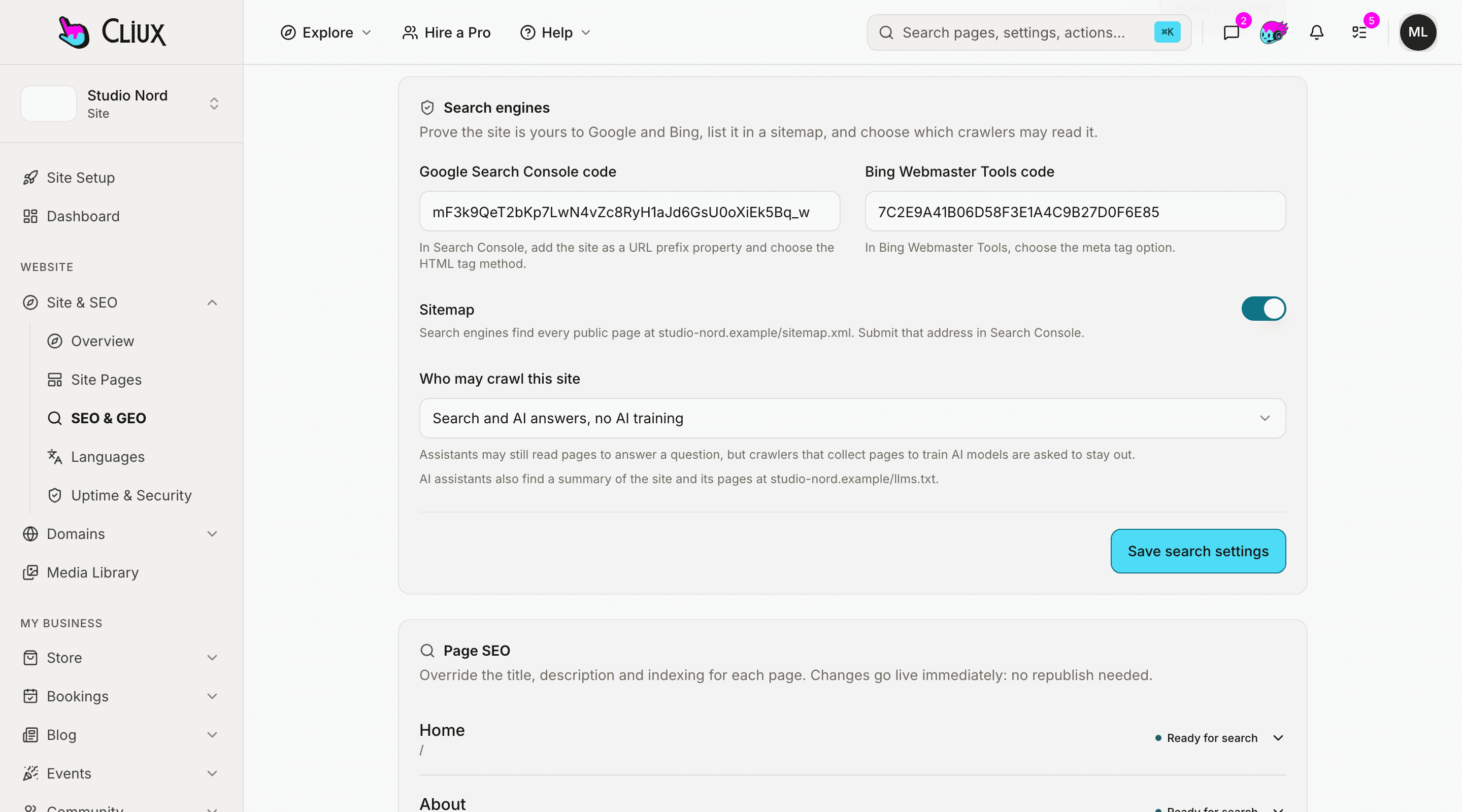
Choose who may crawl: search engines and AI assistants, everyone but AI training crawlers, search engines only, no crawlers at all, or a file you write. While the sitemap is on, the file points crawlers at it.
A summary for AI assistants
A plain-text map of the site and its public pages at your domain, which assistants can use in their answers unless you keep them out.
Hide a page from search
A switch per page sets noindex in the head and removes the page from the sitemap when you publish the site.
Noindex while paused
Pause the site and it answers noindex until it is back.
Article markup on posts
Headline, image, author, dates and description on every blog post, on the built-in post page and a custom Post template alike.
Title, description and share image
Set them for each page and for the whole site. Page settings go live when you publish; the site-wide defaults apply when you save.
Part of
SEO Tools
Frequently asked questions
Have other questions?Use the contact form
At sitemap.xml on the domain your site is served from, whether that is a connected domain or your platform address. It lists your published pages with their last-edit dates and is rebuilt each time it is requested.
No. Submit the sitemap once in your search console; the file itself is always current.
Yes. Under SEO & GEO, in Search engines, choose who may crawl, or pick "My own robots.txt" and write the file yourself. It is served as written, with a sitemap line added when you leave it out and the sitemap is on. To keep one page out of results, use the hide-from-search switch on that page.
The site and its publisher on the home page, breadcrumbs on every other page, the questions and services a page shows, and Article on blog posts. A page can carry your own JSON-LD instead, written in its SEO panel and checked before it is saved.
No. The sitemap lists pages only; separate image and video sitemaps are not currently available.
Get started
Try SEO Tools for free.
Building and previewing are free. Publishing a site, at its Cliux address or on your own domain, is $192 a year on the Website plan, and selling starts on the Business plan.